

Follow the sun
When a team works in several timezones, the person on call is often asleep while a teammate is at their desk. A follow-the-sun roster notifies the teammates who are on shift first, and the primary only if nobody responds.
Set it up
Section titled "Set it up"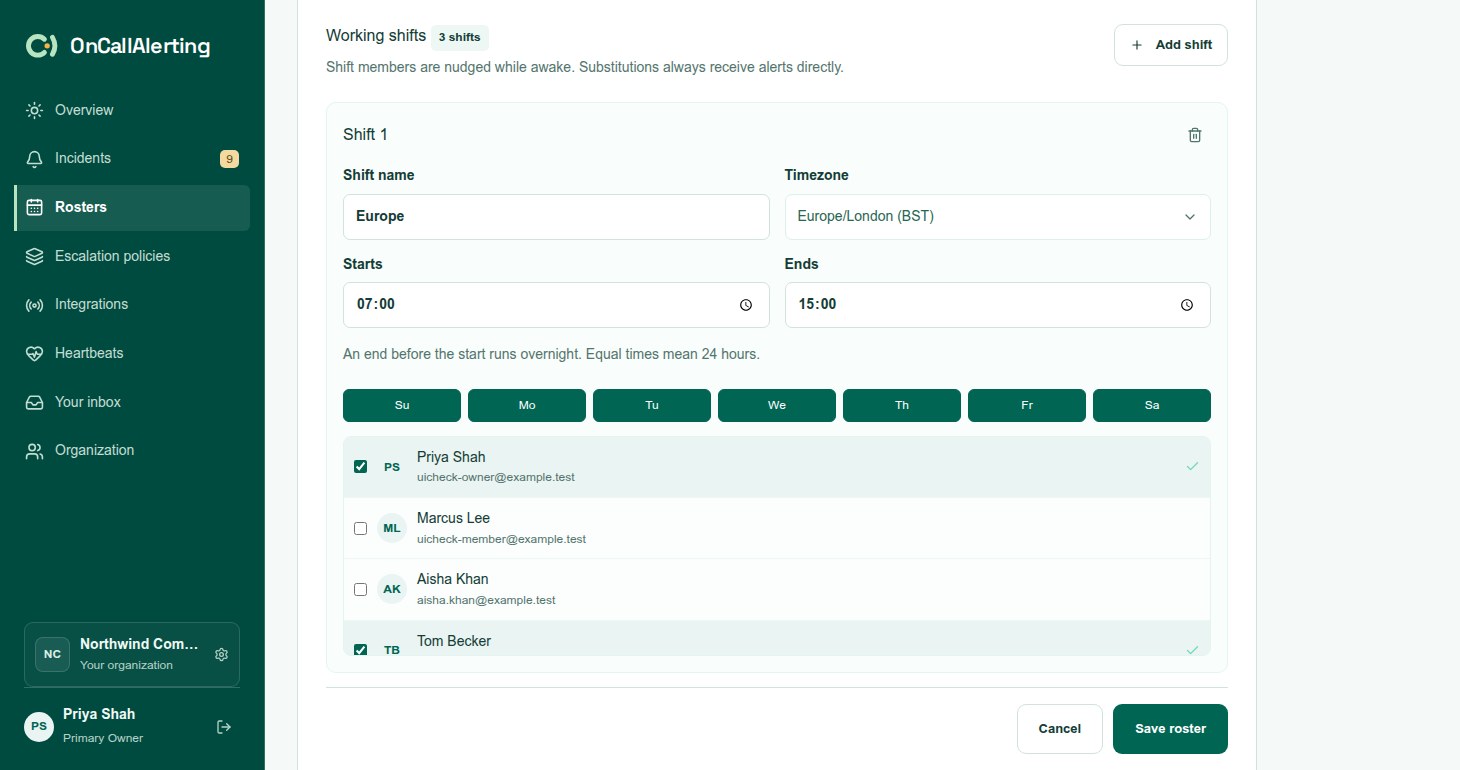
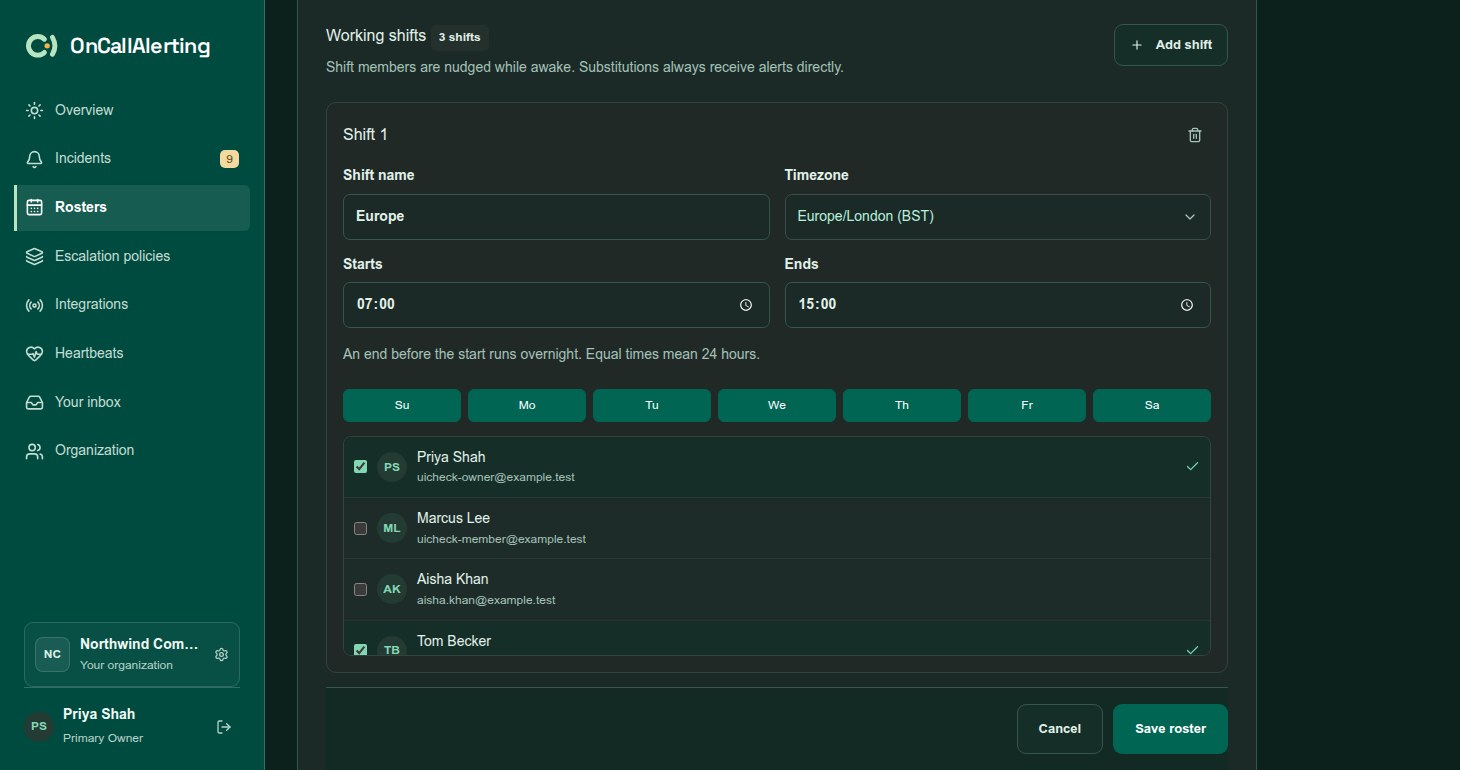
- Create or edit a roster and choose Follow the sun under Rotation type.
- Set up the primary rotation as usual: a simple rotation or layers. The primary is the fallback.
- Under Working shifts, for each shift set:
- Shift name, such as "Europe"
- Timezone
- Starts and Ends. An end before the start runs overnight. Equal times mean 24 hours.
- The working days, Su to Sa
- The people on that shift
- Set Wait before paging primary (minutes), 1-60.
- Keep or clear Critical alerts page the primary immediately. It is on for new rosters.
- Save the roster.
A roster can have up to 24 shifts. Each shift uses its own timezone, and its days are the days the shift starts on.
Who gets notified
Section titled "Who gets notified"When an escalation level reaches a follow-the-sun roster, OnCallAlerting takes the primary from the rotation and then decides:
| Situation | Notified |
|---|---|
| A substitution is in effect | The substitute, directly |
| The alert is critical and Critical alerts page the primary immediately is on | The primary, directly |
| The primary is not in any working shift | The primary, directly. People without a working shift are treated as available. |
| The primary is in a shift that is on now | The primary, directly |
| The primary is off shift and someone is on shift | Everyone on a shift that is on now. Then the primary after the wait. |
| Nobody is on shift | The primary, directly |
"On shift" covers every shift of the roster that is on at that moment, not only the primary's own shift.
When the awake shift is notified first:
- The level notifies everyone on shift now, plus the level's other targets. The timeline records "Follow-the-sun: awake shift notified; primary fallback in 10 minutes".
- If nobody acknowledges within the roster's wait, the same level runs again and notifies the primary. People already notified on this level are not notified again.
- Then the level's own wait starts before the next level.
So an awake-shift pass adds the roster's wait to that level. The policy editor shows how much this can add to the total time. When one level has several follow-the-sun rosters that notify an awake shift, the shortest wait applies.
Notifications use the escalation level's channel, in the app or in Slack.
The overview
Section titled "The overview"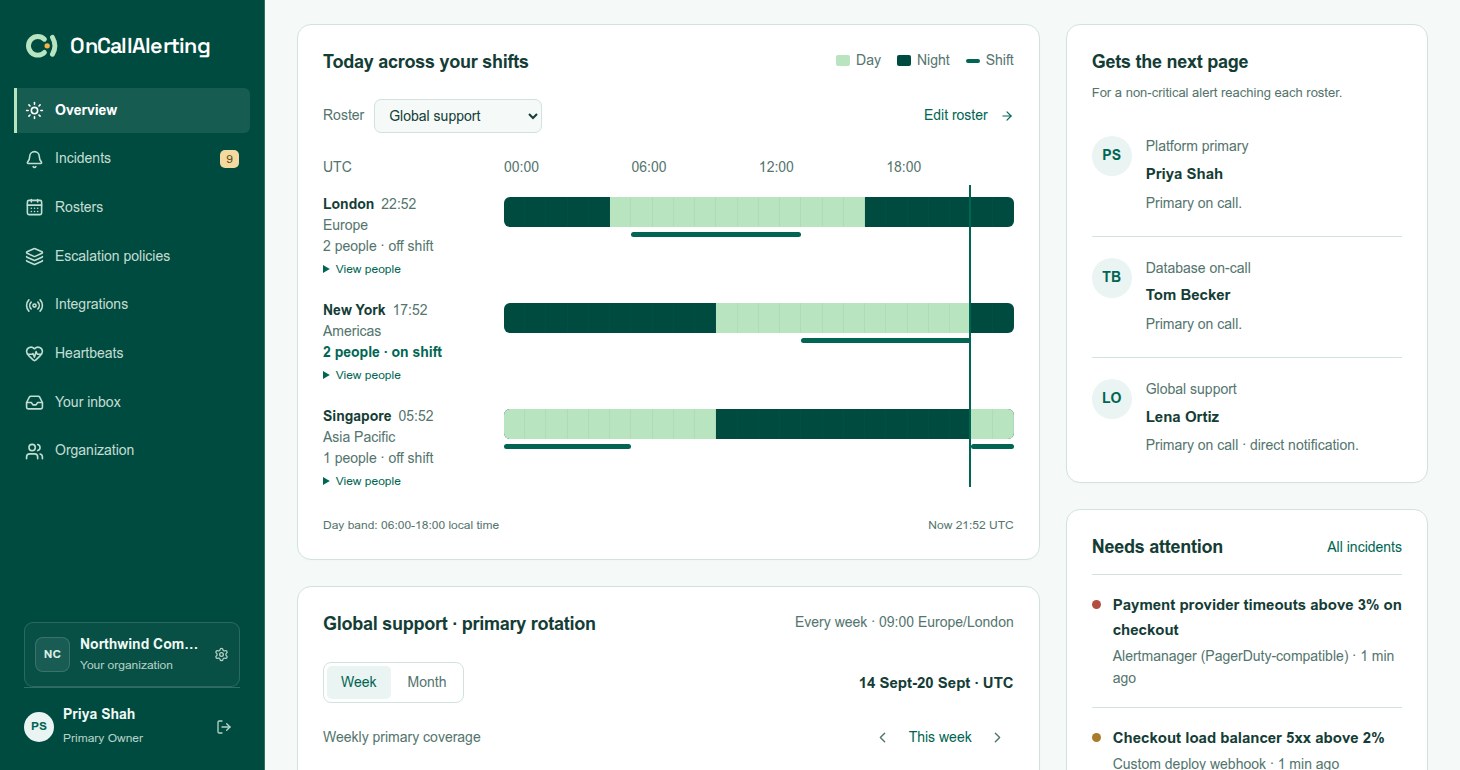
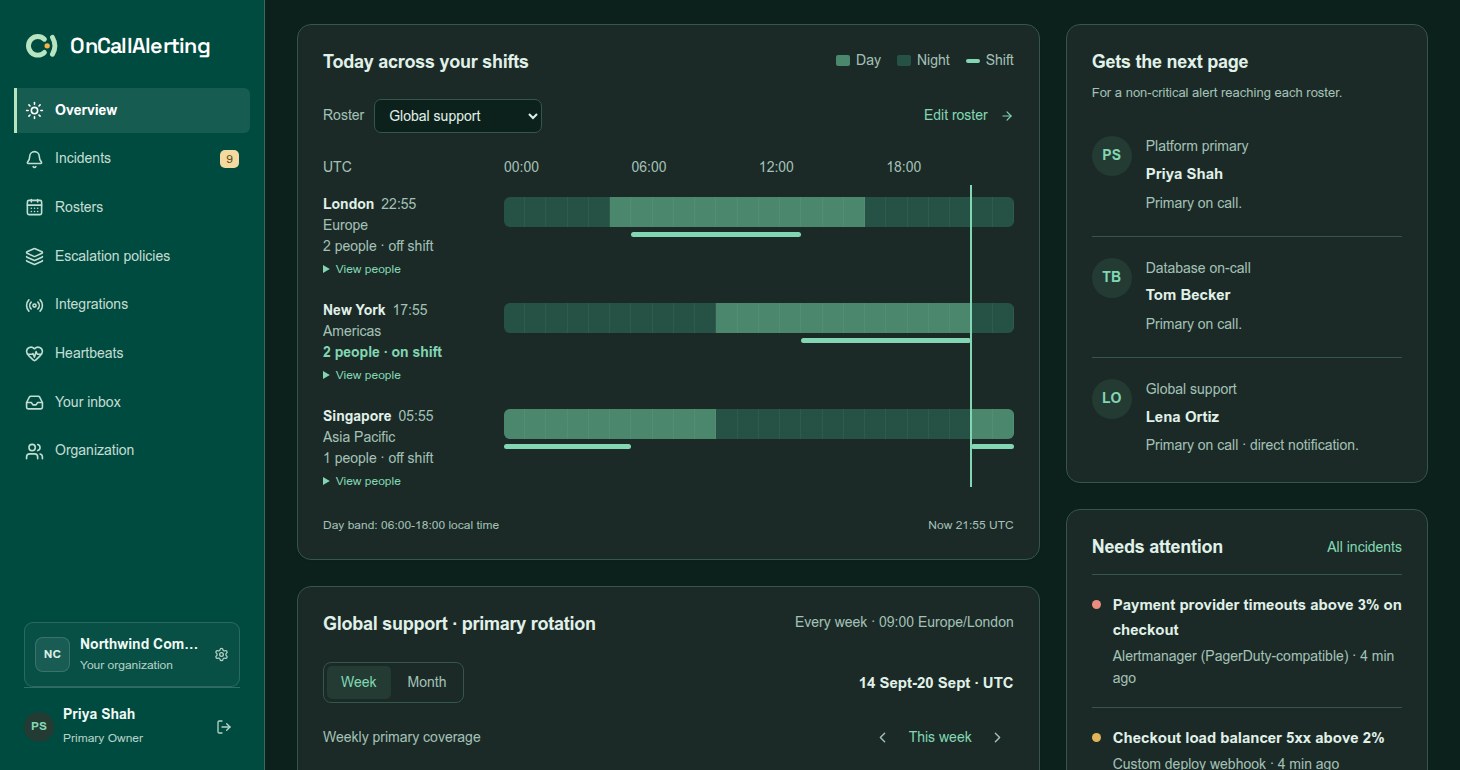
On the Overview page, Today across your shifts draws each shift of the chosen roster on one UTC day:
- Each row shows the shift's city and local time, its name, how many people it has and whether it is on shift now. View people lists them.
- The light band marks local daytime, 06:00-18:00 in the shift's timezone. The line marks the shift's working hours. A marker shows now.
Gets the next page shows, for each roster, who a non-critical alert would reach now. For a follow-the-sun roster that is off shift for the primary, it reads: "Working-shift members first. If no one responds in 10 minutes," then the primary's name, "gets the page." When critical bypass is on it adds "Critical alerts go directly to the primary."
Example
Section titled "Example"A roster with a weekly primary rotation and two shifts, with a 10 minute wait:
- Europe: Europe/London, 08:00-17:00, Mo-Fr, two people
- Americas: America/Los_Angeles, 08:00-17:00, Mo-Fr, two people
The primary this week is in Europe. A warning alert arrives at 20:00 in London, which is 12:00 in Los Angeles. The primary is off shift and the Americas shift is on, so both Americas people are notified. If neither acknowledges within 10 minutes, the primary is notified. A critical alert at the same moment goes straight to the primary.