

Outbound webhooks
Outbound webhooks POST incident events to URLs you choose, so a ticketing tool, a chat bot or your own service hears about an incident when it changes. Requests are signed in the Standard Webhooks format, so its libraries can verify them.
Owners and administrators manage webhooks, under Organization. An organization can have up to 10.
Create a webhook
Section titled "Create a webhook"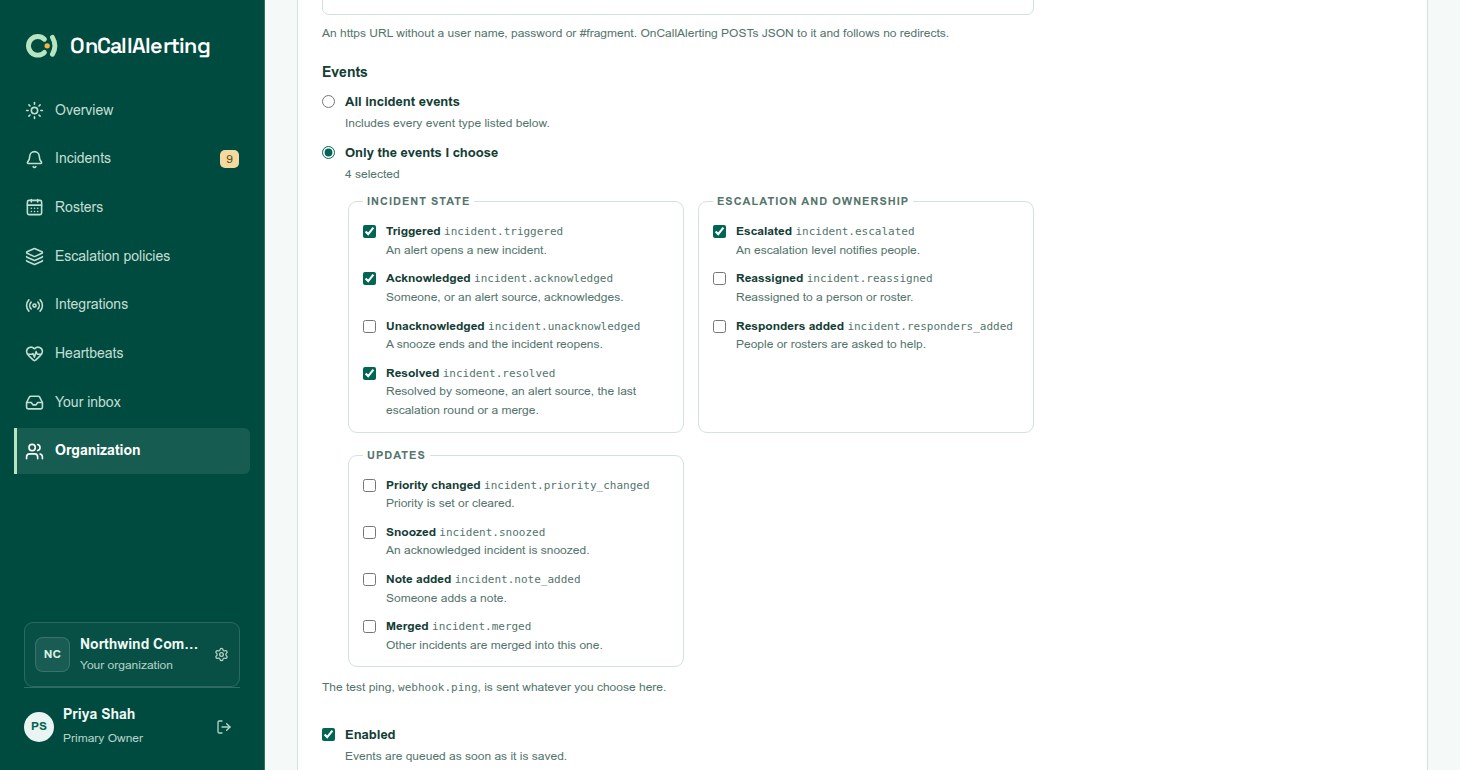
- Open Organization and, under Outbound webhooks, select New webhook, or Create webhook when there are none.
- Enter a Name of 1-100 characters and the URL.
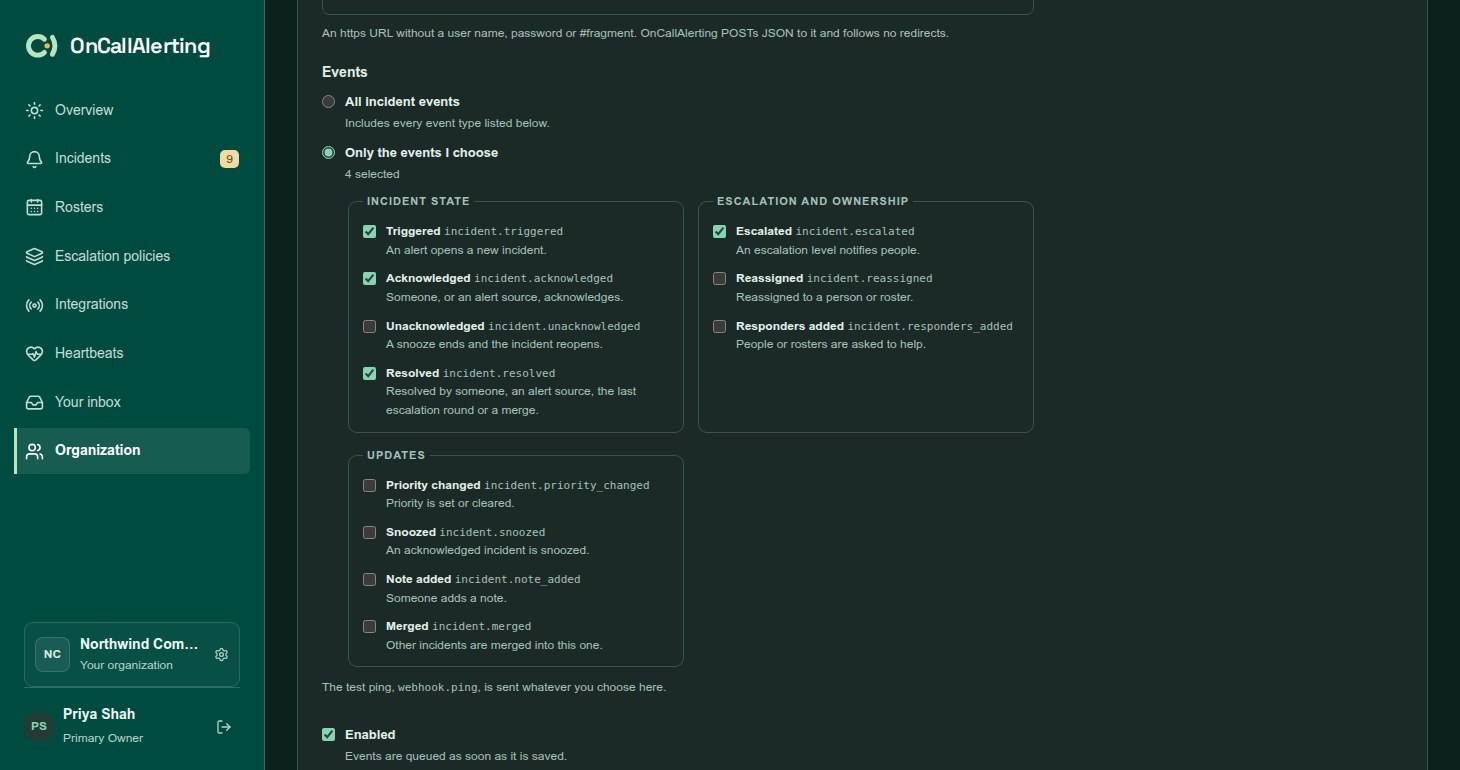
- Under Events, choose All incident events or Only the events I choose and tick them.
- Keep Enabled ticked to start sending straight away.
- Select Create webhook.
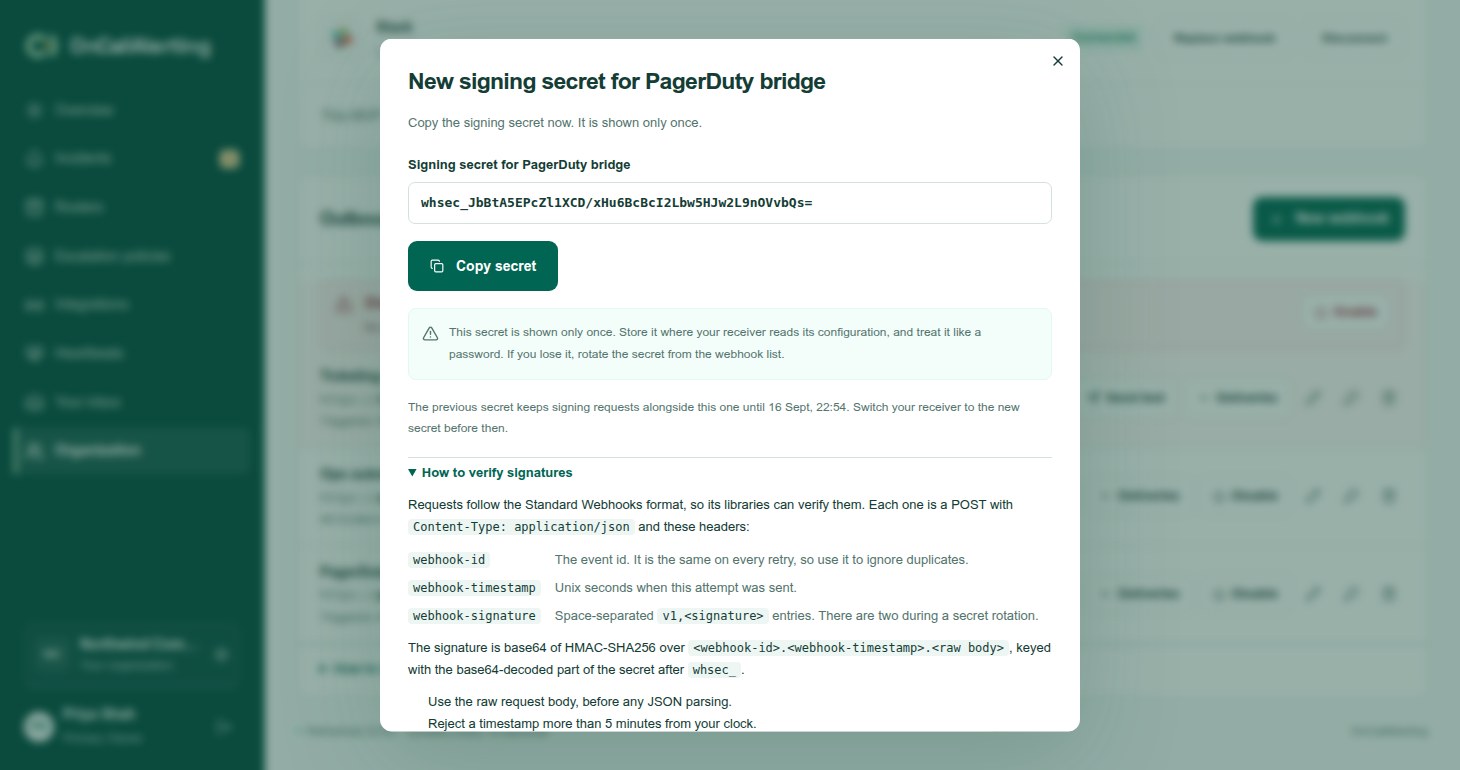
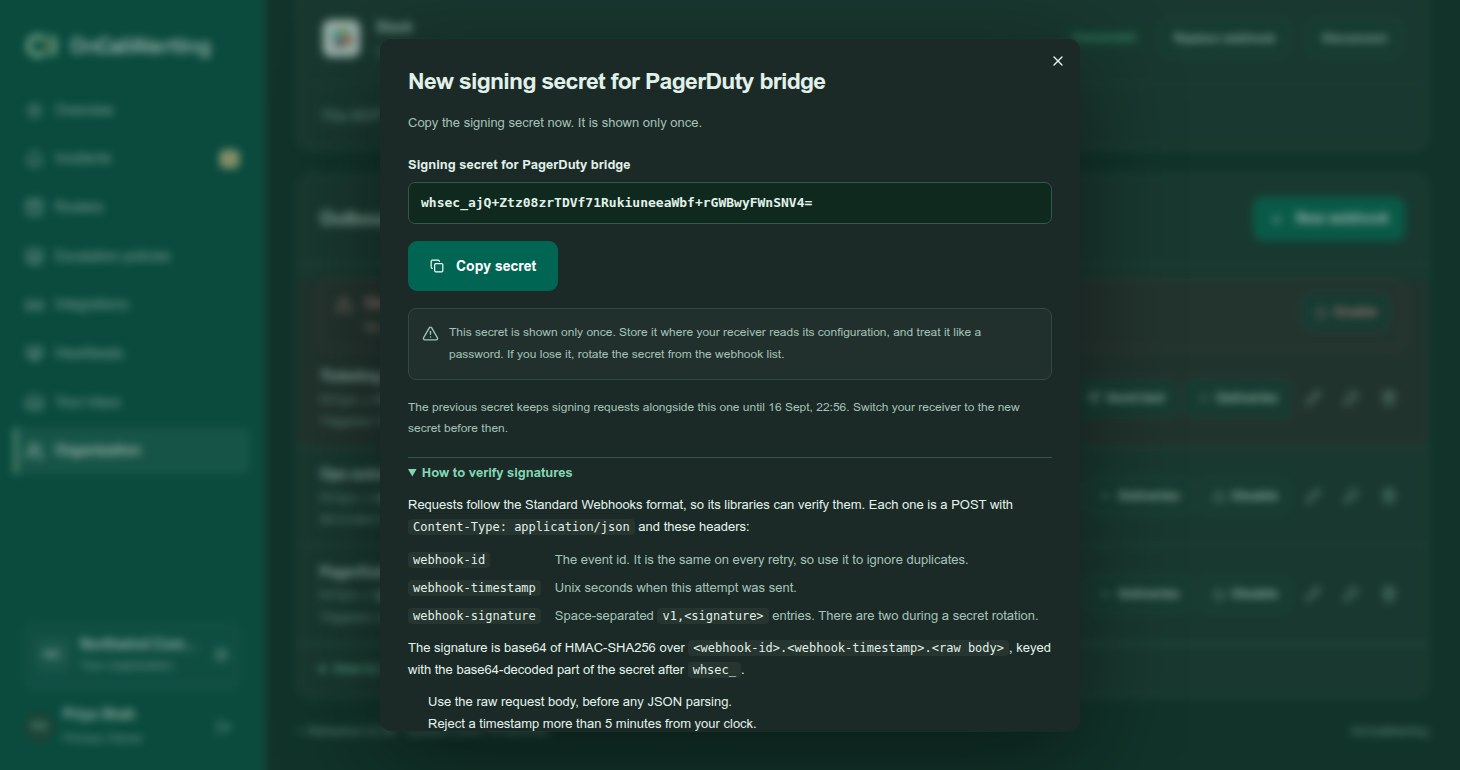
Copy the signing secret. It starts with whsec_ and is shown only once. Store it where your receiver reads its configuration and treat it like a password. OnCallAlerting keeps the secret so it can sign requests, and never shows it again.
URL rules:
https, without a user name, password or#fragment, up to 2000 characters. Plainhttpis accepted only by development servers.- Hosts that are, or resolve to, loopback, private, link-local or other reserved addresses are refused. The address is checked again each time a request connects.
- Redirects are not followed.
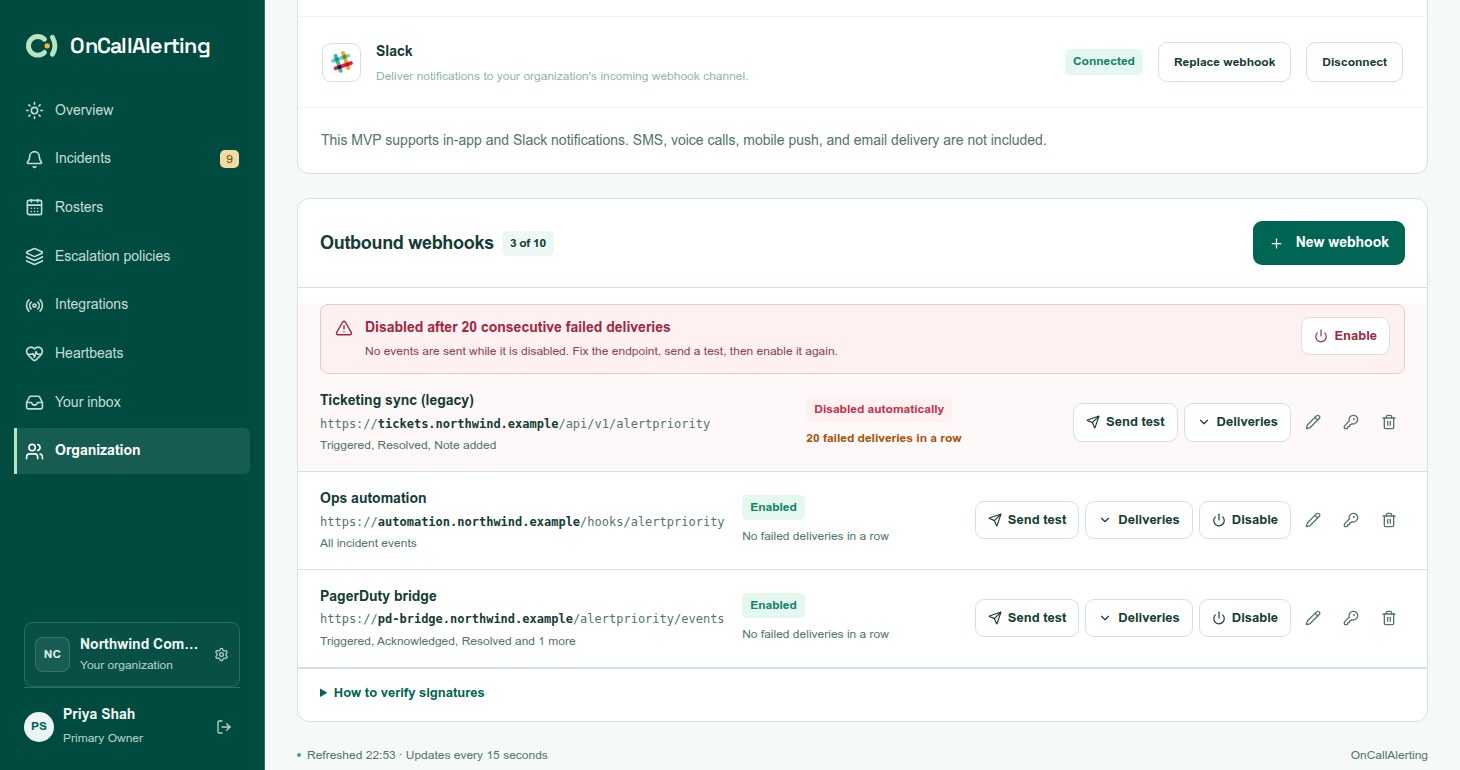
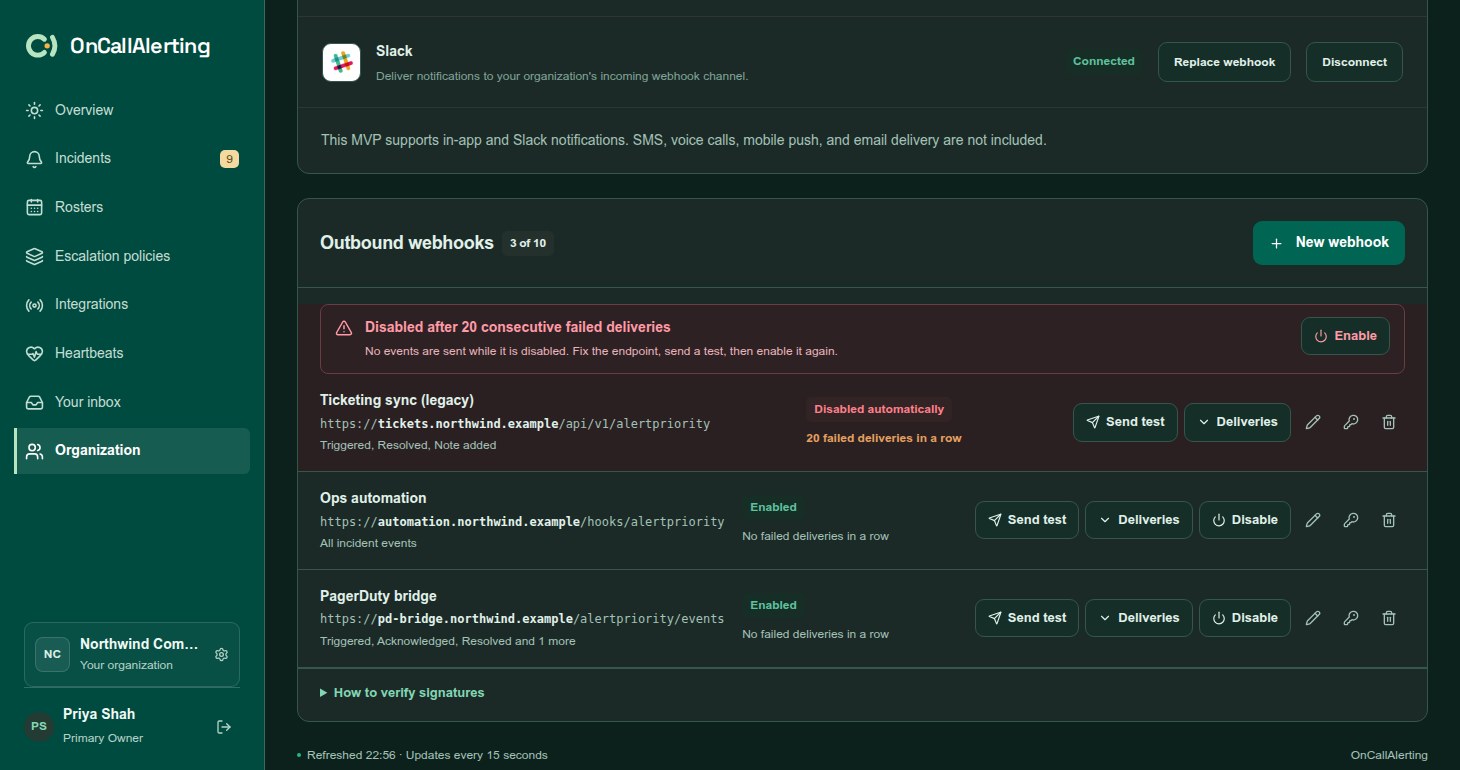
On each webhook row: Send test, Deliveries, Enable or Disable, and buttons to edit, rotate the signing secret and delete.
Events
Section titled "Events"| Type | Sent when | data |
|---|---|---|
incident.triggered | An alert opens a new incident. | {} |
incident.escalated | An escalation level notifies people. | level and round (both from 1), channel, notified (user ids), awake_shift (a follow-the-sun pass), coverage_gap (nobody on call, the owner was notified) |
incident.acknowledged | Someone, or an alert source, acknowledges. | actor |
incident.unacknowledged | A snooze ends and the incident reopens. | reason: "snooze_ended" |
incident.resolved | Someone or an alert source resolves it, escalation resolves it after the last round, or it is merged into another incident. | actor, and reason of escalation_exhausted or merged (with merged_into) |
incident.reassigned | It is reassigned to a person or roster. | actor, assignee, notified, coverage_gap |
incident.snoozed | An acknowledged incident is snoozed. | actor, snoozed_until, minutes |
incident.priority_changed | Priority is set or cleared. | actor, priority, previous (empty for none) |
incident.note_added | Someone adds a note. | actor, note (id, user_id, body, created_at) |
incident.merged | Other incidents are merged into this one. | actor, merged (id and title of each) |
incident.responders_added | People or rosters are asked to help. | actor, responders (target, requested_by, at, user_ids), notified |
webhook.ping | Send test. It ignores the event choice and is sent even while the webhook is disabled. | webhook_id, message |
A merge sends incident.merged for the incident that stays open and incident.resolved with reason: "merged" for each incident merged into it. A receiver that tracks incident state can rely on incident.resolved alone.
actor is one of:
{"type": "user", "id", "name"}for a person{"type": "source", "id", "name"}for an alert source or heartbeat. The name includes the person the tool reported, if any.{"type": "system"}for escalation
A repeat alert that only adds an occurrence sends nothing.
Payload
Section titled "Payload"{ "id": "evt_6c1f0a9e2b7d4c3a8e5f1b2c3d4e5f60", "type": "incident.acknowledged", "occurred_at": "2026-09-13T14:02:11.482Z", "organization_id": "4e1b...", "incident": { "id": "9a0c...", "title": "API error rate above 5%", "status": "acknowledged", "severity": "critical", "priority": "P1", "source_name": "Prometheus", "dedup_key": "api-errors", "assignee": null, "created_at": "2026-09-13T13:58:40.117Z", "updated_at": "2026-09-13T14:02:11.480Z", "url": "https://oncallalerting.com/workspace?incident=9a0c..." }, "data": { "actor": {"type": "user", "id": "51d2...", "name": "Alex"} }}incidentis the incident as it was when the change was saved.priorityis""when unset.assigneeis{"type": "member" | "roster", "id"}, ornull.- The payload does not include the description, details, links, the timeline, or notes other than the one just added.
webhook.pinghas noincident.
Verify a request
Section titled "Verify a request"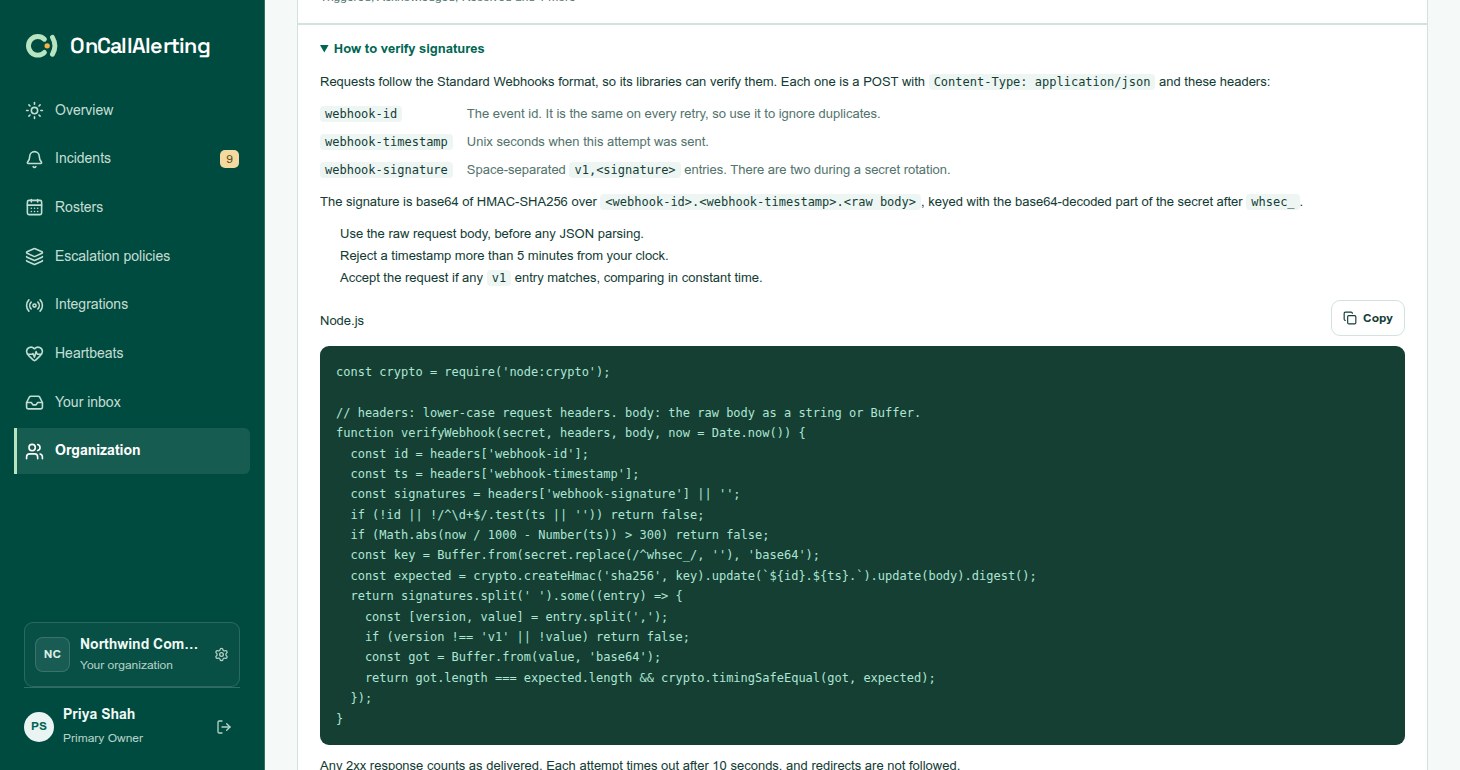
Every request is a POST with Content-Type: application/json, User-Agent: OnCallAlerting-Webhooks/1.0 and these headers:
| Header | Value |
|---|---|
webhook-id | The event id. It is the same on every retry, so use it to ignore duplicates. |
webhook-timestamp | Unix seconds when this attempt was sent. |
webhook-signature | Space-separated v1,SIGNATURE entries. There are two during a secret rotation. |
The signature is base64 of HMAC-SHA256 over the webhook-id, a dot, the webhook-timestamp, a dot and the raw body. The key is the base64-decoded part of the secret after whsec_.
To verify:
- Use the raw request body, before any JSON parsing.
- Reject a timestamp more than 5 minutes from your clock.
- Accept the request if any
v1entry matches, comparing in constant time.
import (  "crypto/hmac"  "crypto/sha256"  "encoding/base64"  "errors"  "net/http"  "strconv"  "strings"  "time")
// verifyWebhook checks an OnCallAlerting webhook request. body must be the raw// request body.func verifyWebhook(secret string, header http.Header, body []byte, now time.Time) error {  id, ts := header.Get("webhook-id"), header.Get("webhook-timestamp")  sent, e := strconv.ParseInt(ts, 10, 64)  if id == "" || e != nil {    return errors.New("missing webhook headers")  }  if d := now.Unix() - sent; d > 300 || d < -300 {    return errors.New("timestamp outside the 5 minute tolerance")  }  key, e := base64.StdEncoding.DecodeString(strings.TrimPrefix(secret, "whsec_"))  if e != nil {    return e  }  mac := hmac.New(sha256.New, key)  mac.Write([]byte(id + "." + ts + "."))  mac.Write(body)  expected := mac.Sum(nil)  for _, sig := range strings.Fields(header.Get("webhook-signature")) {    version, value, _ := strings.Cut(sig, ",")    got, e := base64.StdEncoding.DecodeString(value)    if version == "v1" && e == nil && hmac.Equal(got, expected) {      return nil    }  }  return errors.New("no valid signature")}
OnCallAlerting's own tests run this function against real deliveries.
Node.js
Section titled "Node.js"const crypto = require('node:crypto');
// headers: lower-case request headers. body: the raw body as a string or Buffer.function verifyWebhook(secret, headers, body, now = Date.now()) { const id = headers['webhook-id']; const ts = headers['webhook-timestamp']; const signatures = headers['webhook-signature'] || ''; if (!id || !/^\d+$/.test(ts || '')) return false; if (Math.abs(now / 1000 - Number(ts)) > 300) return false; const key = Buffer.from(secret.replace(/^whsec_/, ''), 'base64'); const expected = crypto.createHmac('sha256', key).update(`${id}.${ts}.`).update(body).digest(); return signatures.split(' ').some((entry) => { const [version, value] = entry.split(','); if (version !== 'v1' || !value) return false; const got = Buffer.from(value, 'base64'); return got.length === expected.length && crypto.timingSafeEqual(got, expected); });}
// Express: keep the raw body for verification.// app.post('/oncallalerting', express.raw({type: 'application/json'}), (req, res) => {// if (!verifyWebhook(process.env.ONCALLALERTING_WEBHOOK_SECRET, req.headers, req.body)) return res.sendStatus(401);// const event = JSON.parse(req.body);// res.sendStatus(204);// });Delivery
Section titled "Delivery"- Never lost for a saved change. An event is written together with the incident change it describes, so it exists exactly when the change does.
- At least once. If the sender stops between sending and recording the result, the event is sent again with the same
webhook-id. - Order is best-effort. Deliveries go out oldest first on a few senders at once, and a retry can arrive after a later event. Use
occurred_atand the incident'sstatusrather than arrival order. - Not cancelled by incident state. Unlike Slack notifications, acknowledging or resolving an incident does not stop earlier events from being delivered.
- Response. Any 2xx is success. Each attempt times out after 10 seconds. A redirect counts as a permanent failure. At most 64 KB of the response is read.
Retries
Section titled "Retries"A timeout, network error, 408, 429 or 5xx is retried after about 30 seconds, 2 minutes, 10 minutes, 30 minutes, then hourly. Each wait varies by up to 20% either way, and is never shorter than Retry-After, up to an hour. A delivery has 8 attempts over about 3 hours 40 minutes. Other 4xx responses fail at once.
Send test makes one attempt and is never retried.
Auto-disable
Section titled "Auto-disable"Each delivery that fails for good adds one to the webhook's consecutive failure count, shown on its row. A delivered event resets it to 0. Test pings never change it.
- At 20 consecutive failures the webhook is disabled: "Disabled after 20 consecutive failed deliveries".
- A
410 Goneresponse disables it at once: "Disabled: the endpoint returned HTTP 410 Gone".
The row then shows Disabled automatically with the reason. Deliveries still waiting are cancelled, and events that happen while it is disabled are not queued. Fix the endpoint, select Send test, then Enable. Enabling resets the count to 0. Events from while it was disabled are not sent.
Deliveries
Section titled "Deliveries"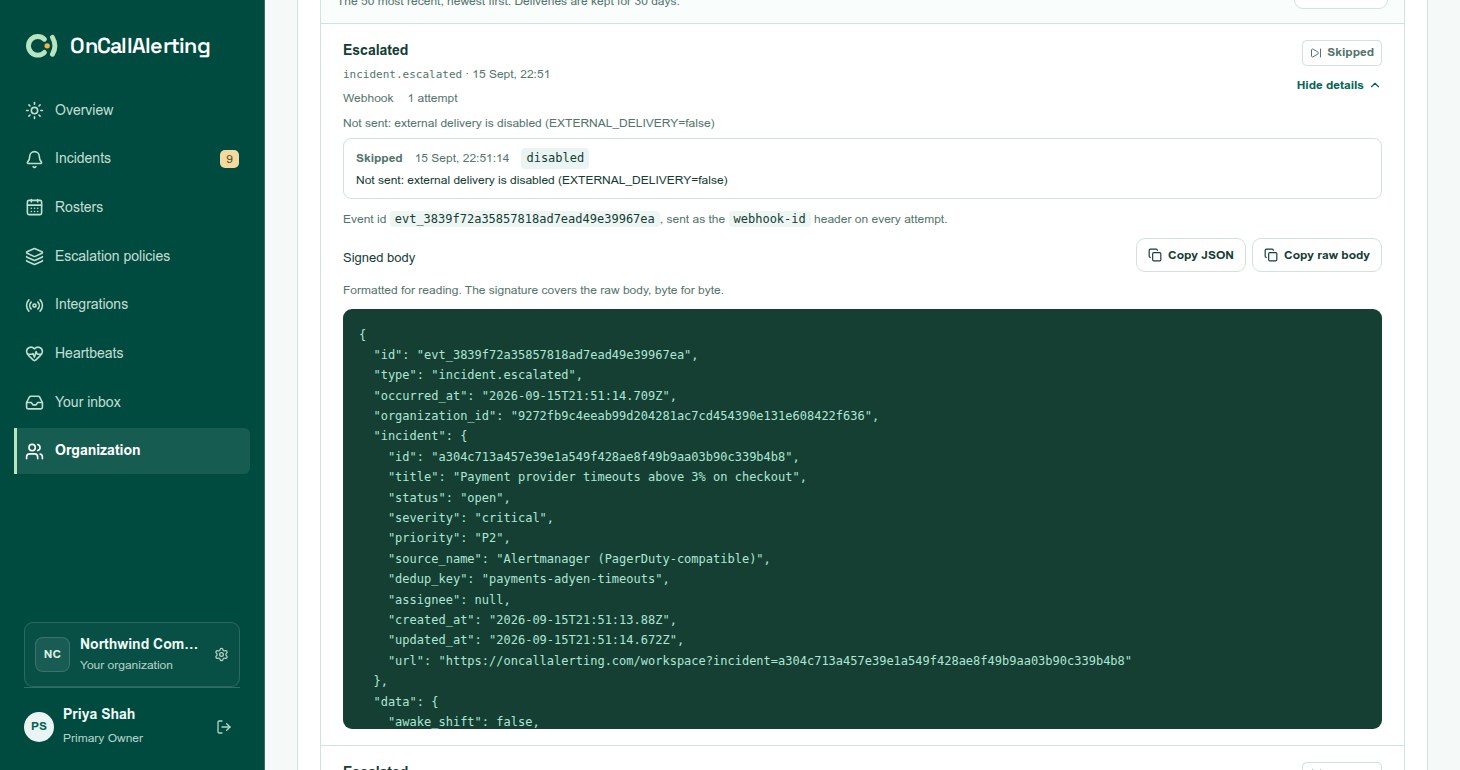
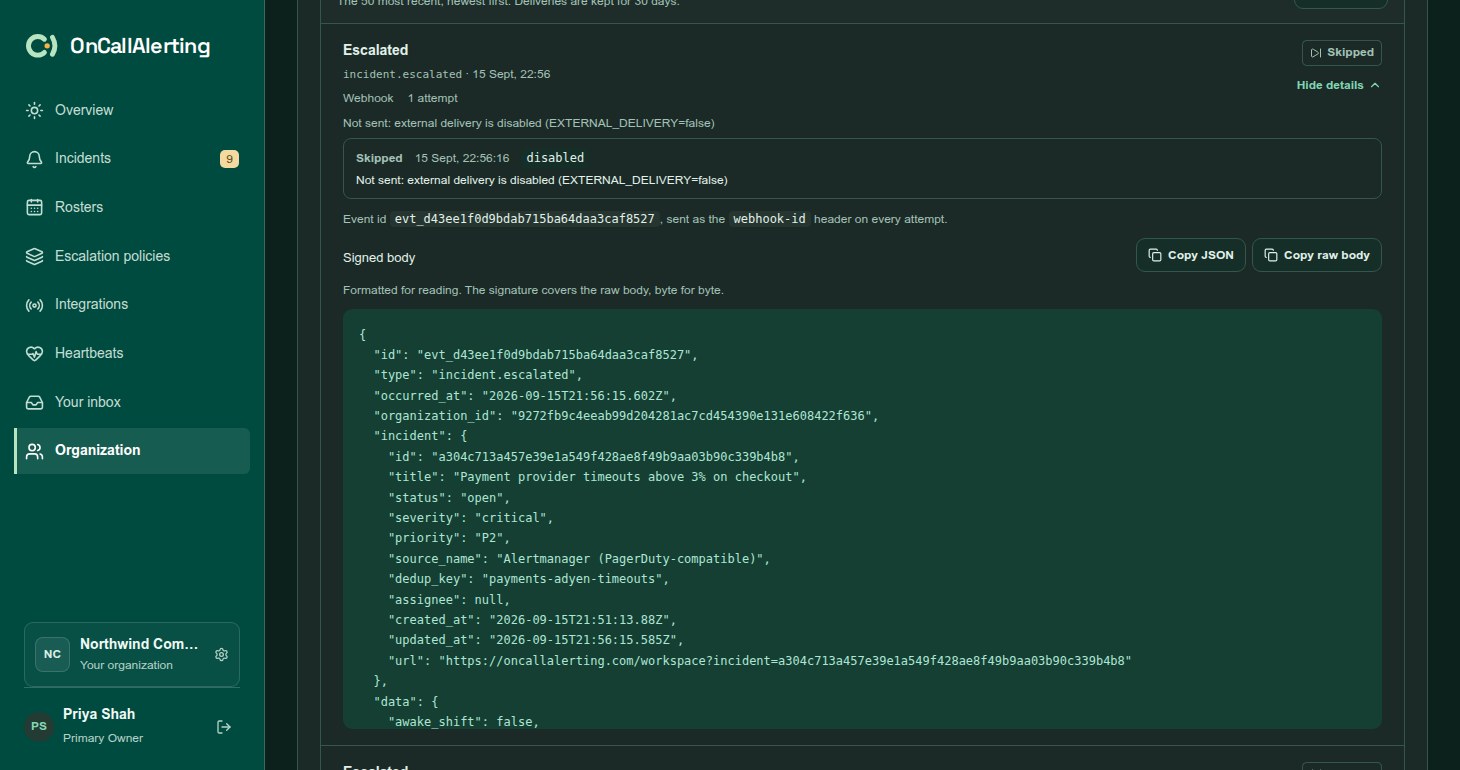
Select Deliveries on a webhook to see its 50 most recent deliveries, newest first. Each shows the event, its status and its attempts. Select Details to see:
- the event id, sent as
webhook-idon every attempt - the Signed body, formatted for reading, with Copy JSON and Copy raw body. The signature covers the raw body, byte for byte.
- each attempt with its outcome, HTTP status, error class, a short detail and duration. The last 20 attempts are kept.
Statuses are the same as for notifications. Cancelled here means the webhook was disabled or deleted before the delivery was sent. Deliveries are kept for 30 days. Recent changes lists who created, enabled, disabled or rotated the webhook.
Error classes specific to webhooks: blocked_address (the URL resolves to a private or reserved address), redirect, webhook_disabled and webhook_deleted.
Rotate the signing secret
Section titled "Rotate the signing secret"Select the key button on a webhook, then Rotate secret. OnCallAlerting shows the new secret once.
For the next 24 hours every request carries two signatures, one from the new secret and one from the previous secret. Switch your receiver to the new secret within that window. After it, only the new secret signs.
Edit and delete
Section titled "Edit and delete"- Editing changes the name, URL and events. The signing secret stays the same.
- Deleting stops events straight away, including retries still waiting, and deletes the delivery log. It cannot be undone.