

Heartbeats
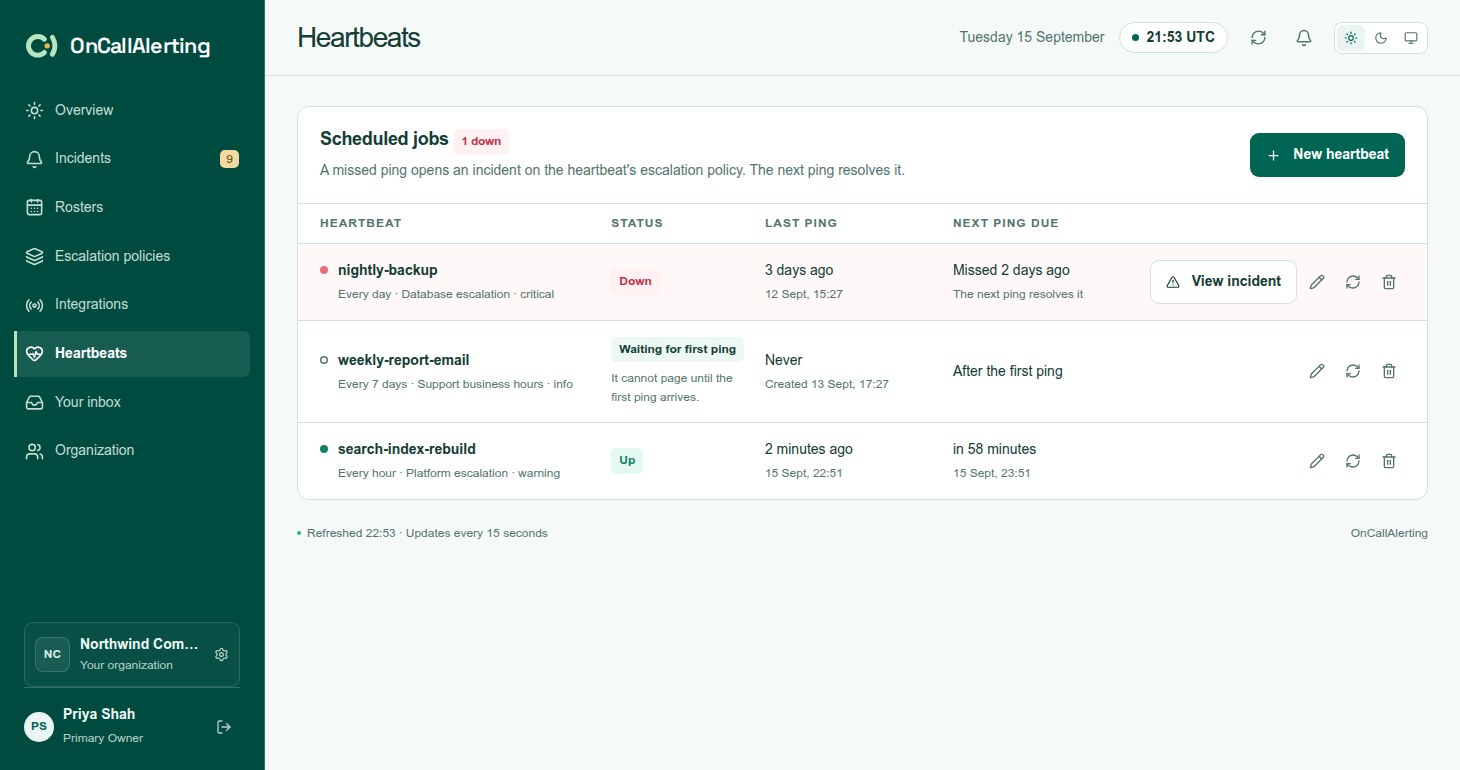
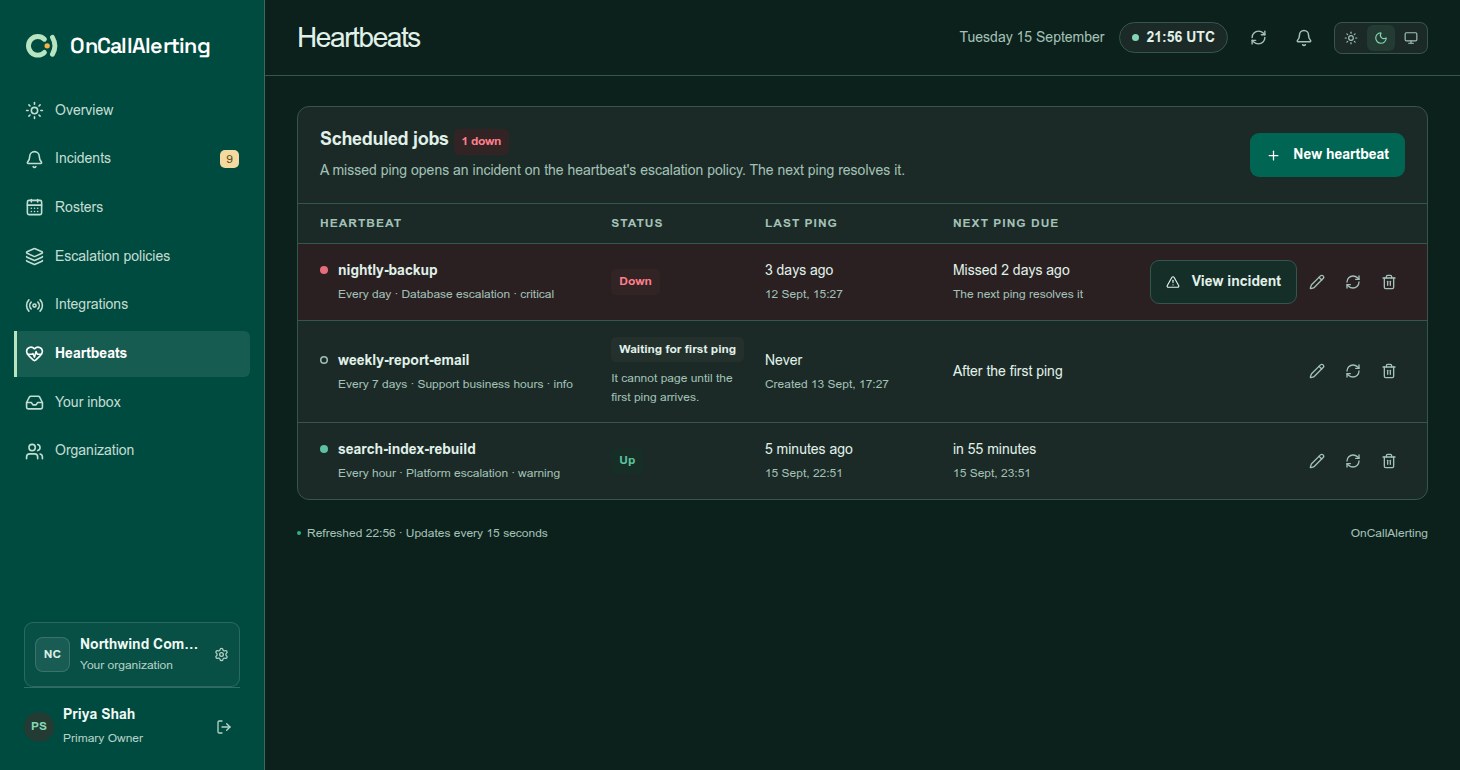
Some problems are silent: a nightly backup that stopped running raises no alert. A heartbeat expects a ping from a job at a set interval. When a ping is late, OnCallAlerting opens an incident on the escalation policy you choose. The next ping resolves it.
Owners and administrators create and manage heartbeats. Members can see them.
Create a heartbeat
Section titled "Create a heartbeat"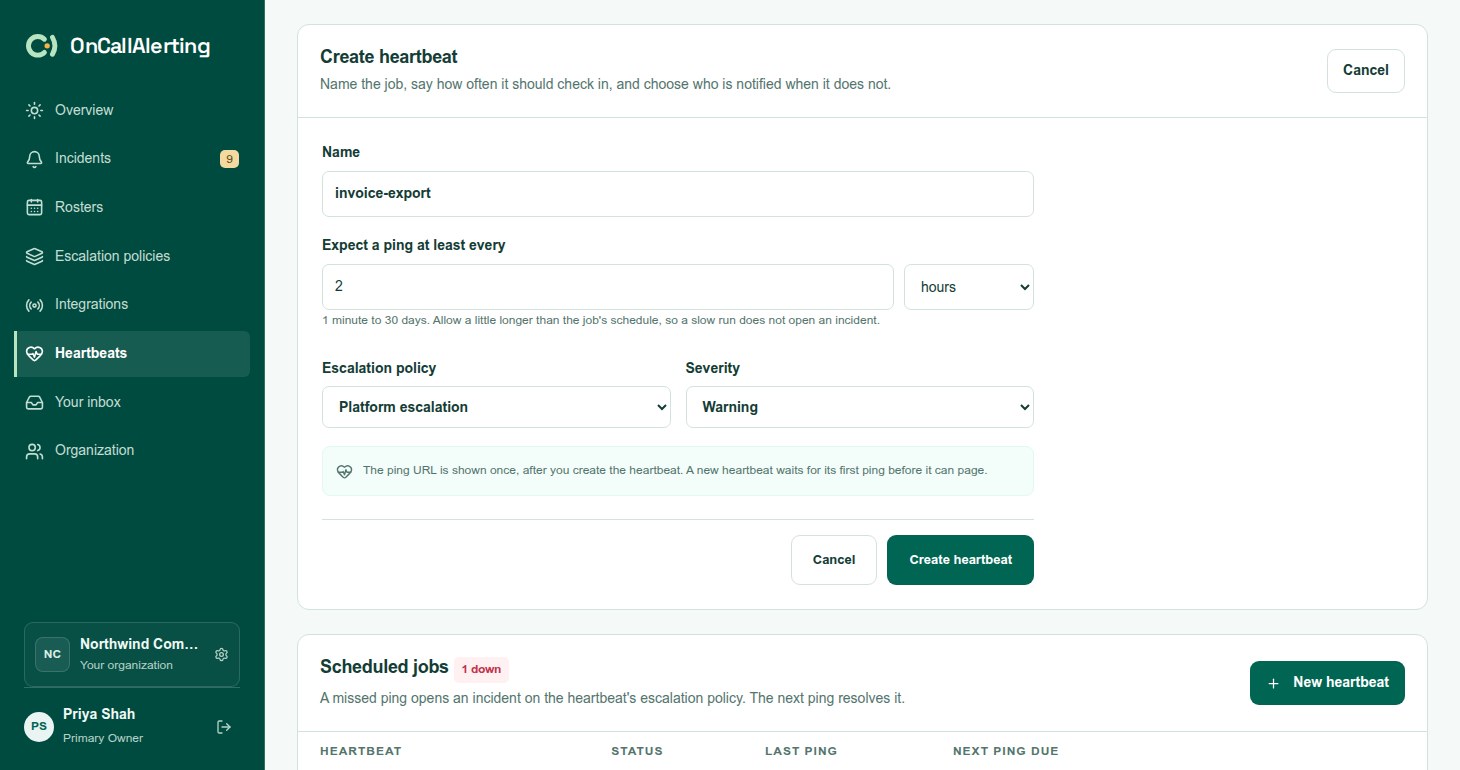
- Open Heartbeats and select New heartbeat, or Create heartbeat when there are none.
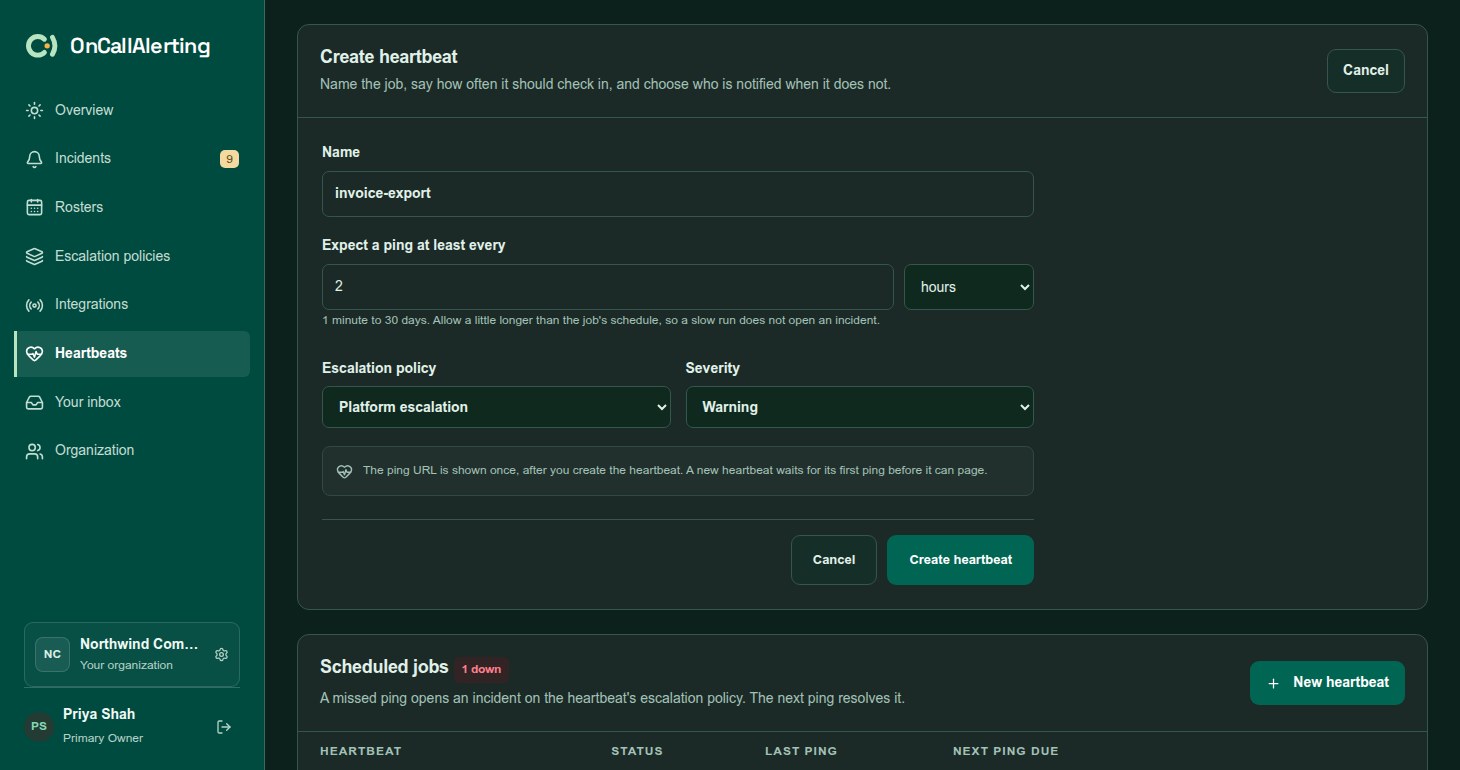
- Enter a Name, such as "Nightly database backup". Names are unique in the organization.
- Under Expect a ping at least every, set a number and a unit: minutes, hours or days. The interval is 1 minute to 30 days. Allow a little longer than the job's schedule, so a slow run does not open an incident.
- Choose the Escalation policy and the Severity: Critical, Warning or Info. Warning is the default.
- Select Create heartbeat and copy the ping URL.
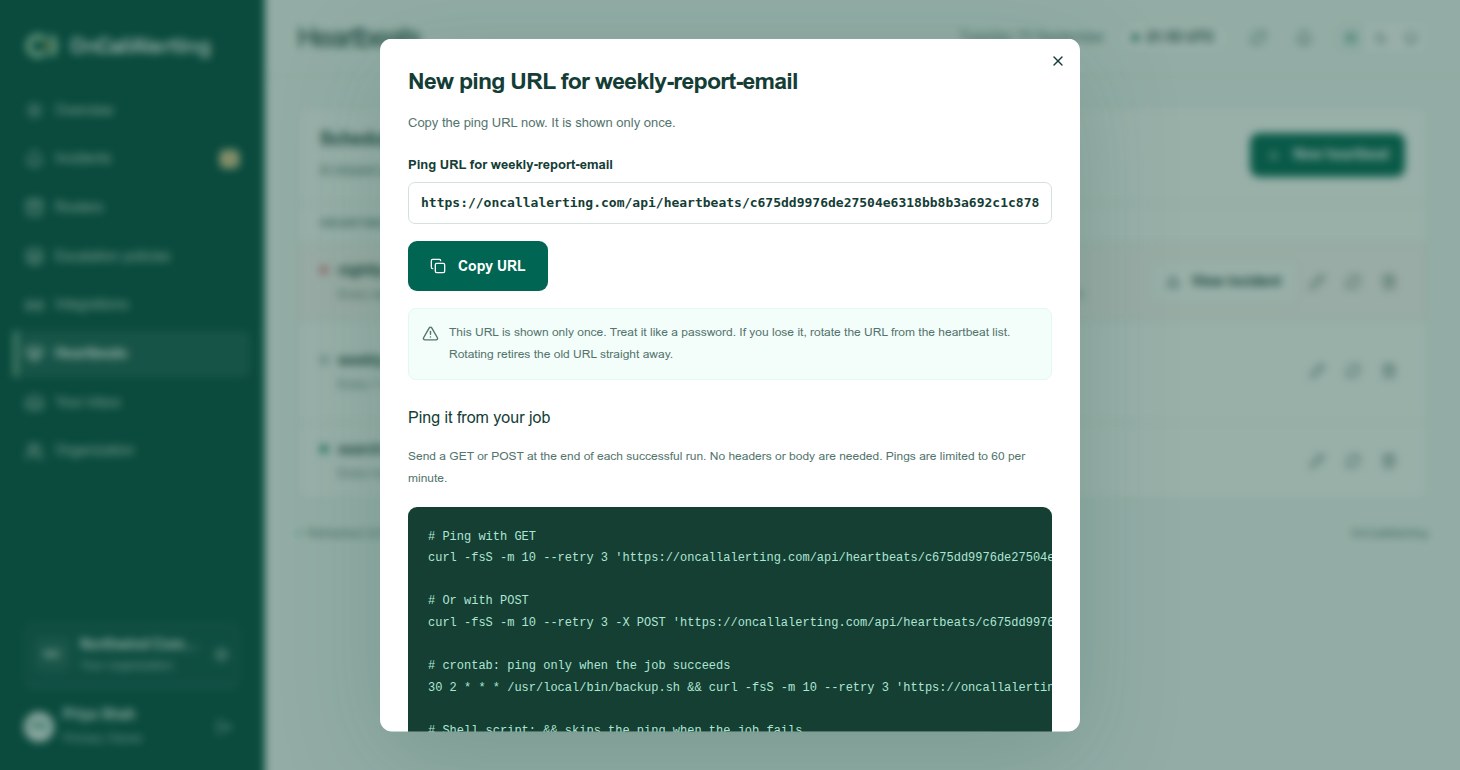
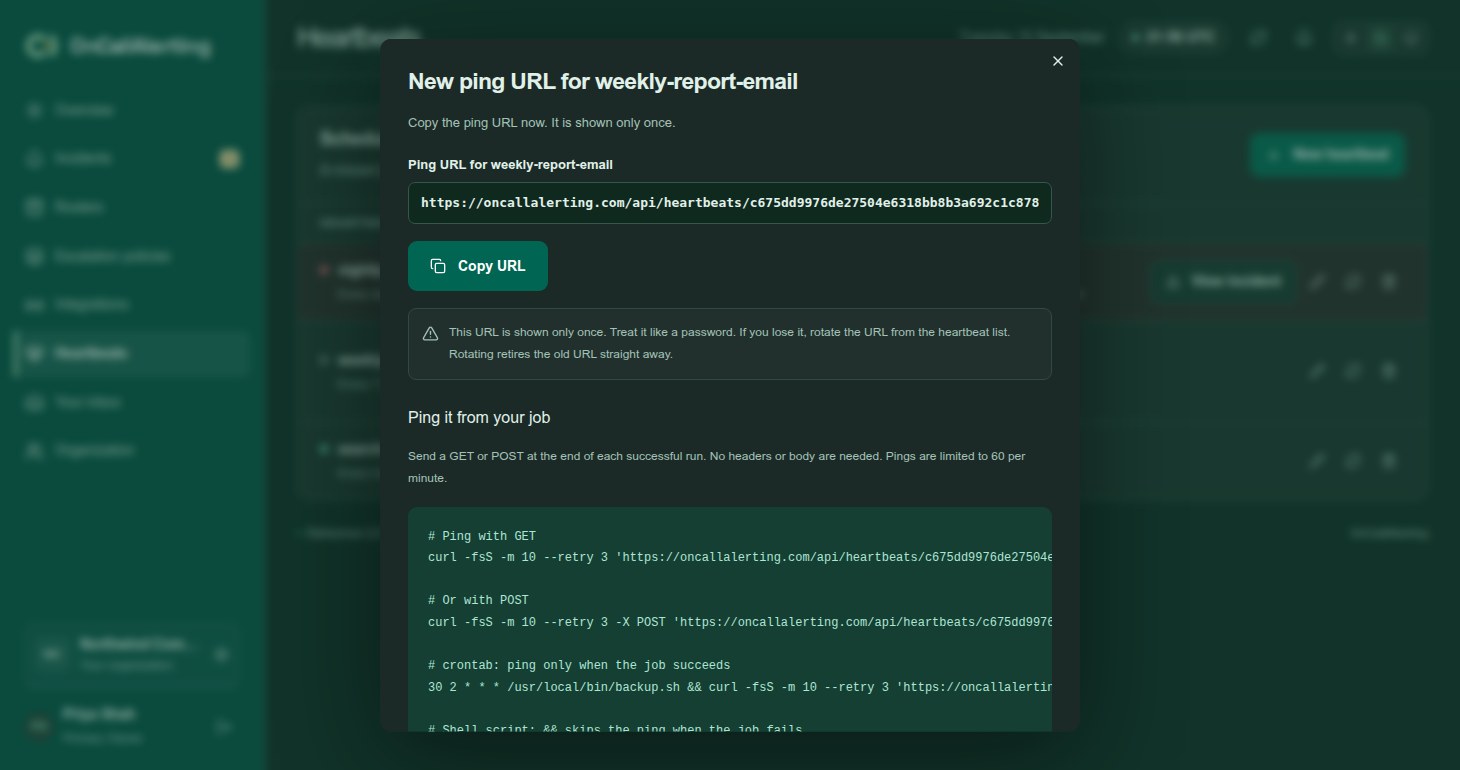
The ping URL is shown only once. Treat it like a password. If you lose it, rotate it.
Ping it from your job
Section titled "Ping it from your job"Send a GET or POST to the ping URL at the end of each successful run. No headers or body are needed.
# Ping with GETcurl -fsS -m 10 --retry 3 'YOUR_PING_URL'
# Or with POSTcurl -fsS -m 10 --retry 3 -X POST 'YOUR_PING_URL'
# crontab: ping only when the job succeeds30 2 * * * /usr/local/bin/backup.sh && curl -fsS -m 10 --retry 3 'YOUR_PING_URL' > /dev/null
# systemd serviceExecStart=/bin/sh -c '/usr/local/bin/backup.sh && curl -fsS -m 10 --retry 3 YOUR_PING_URL'
With &&, a failed job skips the ping. When the interval passes without one, the heartbeat goes down.
The ping URL has the shape https://oncallalerting.com/api/heartbeats/HEARTBEAT_ID/SECRET/ping. A successful ping answers 200 with the next due time:
{"ok": true, "due_at": "2026-09-14T02:30:00Z"}A wrong URL gets 404. Pings are limited to 60 per minute per heartbeat; more get 429.
States
Section titled "States"| Status | Meaning |
|---|---|
| Waiting for first ping | New. It cannot go down or page until the first ping arrives. Send one now to start the clock. |
| Up | The last ping arrived in time. Next ping due shows when the next is expected. |
| Down | A ping is overdue and an incident is open. |
What happens when a ping is late
Section titled "What happens when a ping is late"When the next ping is due and has not arrived, OnCallAlerting:
- marks the heartbeat Down
- opens one incident on the heartbeat's escalation policy, with the heartbeat's severity:
- title "Heartbeat missed:" followed by the heartbeat name
- a description with the interval and the time of the last ping
- the source shown as the heartbeat name followed by "heartbeat"
- runs the escalation policy as for any alert
A heartbeat that stays down opens no further incidents. View incident on its row opens the incident.
When the next ping arrives, the heartbeat is Up again and the incident resolves. The timeline records "Resolved by recovery from" the heartbeat, with "ping received". If someone resolved the incident already, the ping just marks the heartbeat up.
Edit, rotate and delete
Section titled "Edit, rotate and delete"- Edit: change the name, interval, policy or severity. The ping URL stays the same. Changing the interval moves the next due time, counted from the last ping. An incident that is already open keeps the policy it opened with.
- Rotate ping URL: the current URL stops working straight away. Update every job that pings it, or the heartbeat goes down when its interval passes.
- Delete: the ping URL stops working and the heartbeat opens no new incidents. An incident it already opened stays open until someone resolves it.
An escalation policy that a heartbeat uses cannot be deleted until the heartbeat is removed or moved to another policy.