

Escalation policies
An escalation policy answers one question: if nobody acknowledges this incident, who is notified next, and when?
Every alert source and every heartbeat points at one policy. Owners and administrators create and edit policies. Members can see them.
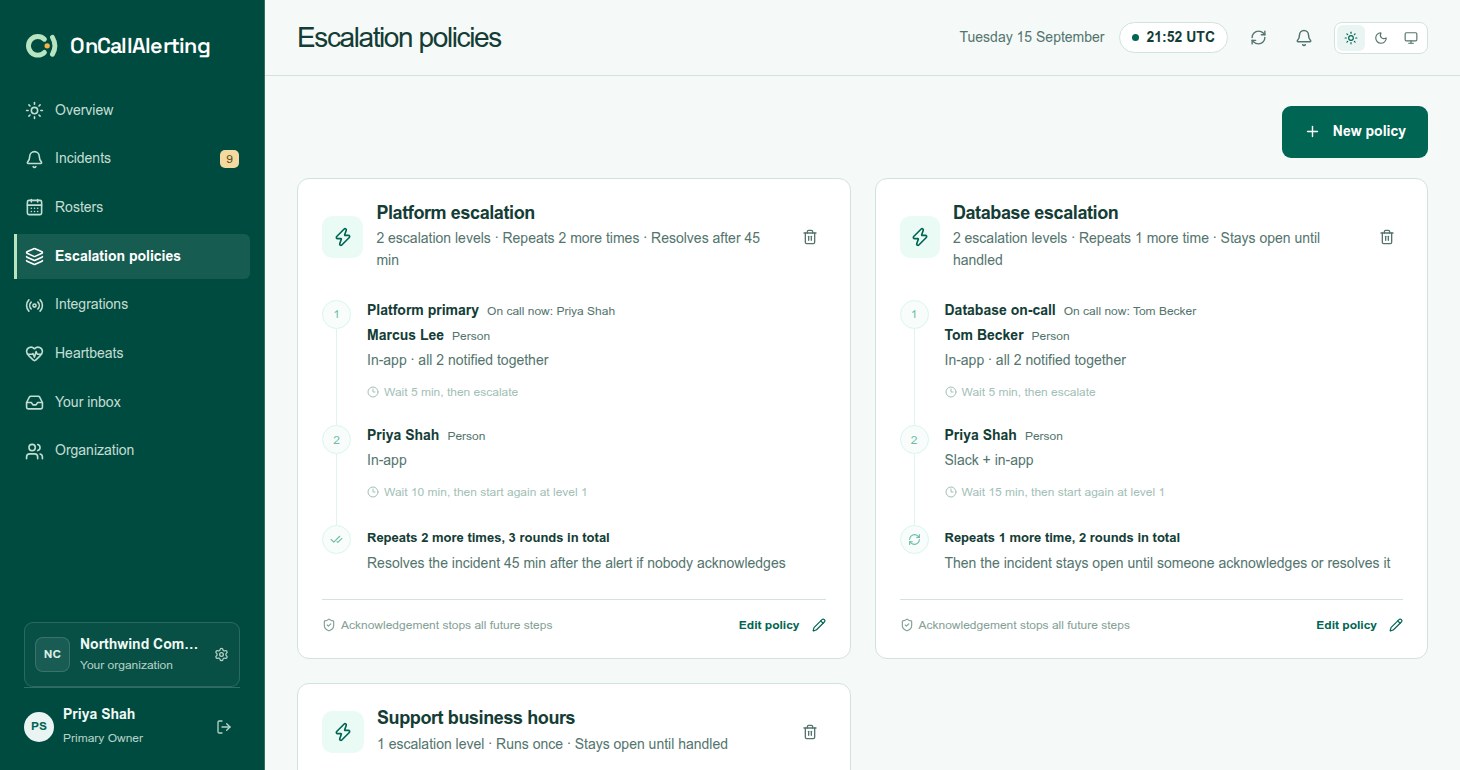
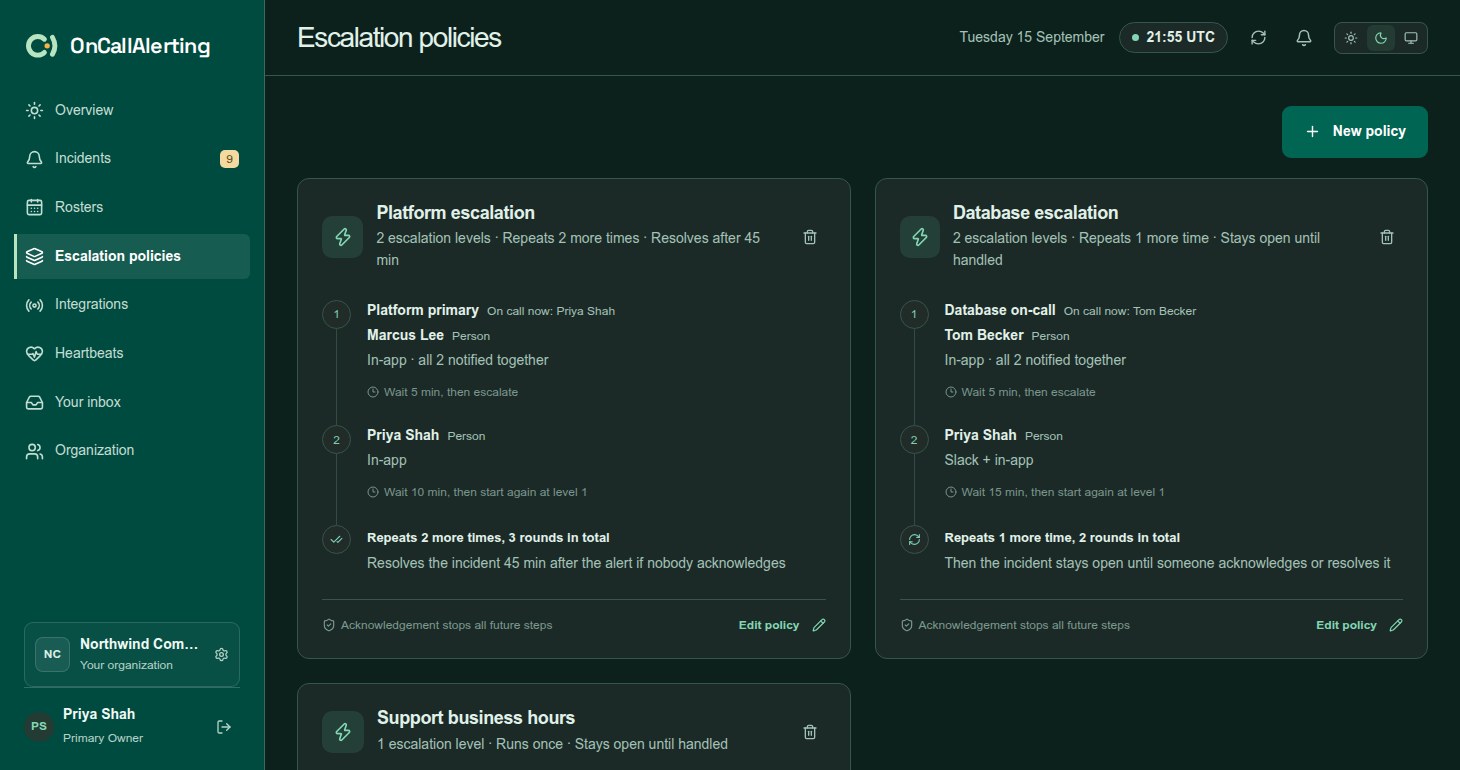
Each card lists every level with its targets, who a roster notifies now, the channel and the wait. The summary line shows the number of levels, whether the policy repeats, and whether it resolves or stays open.
Levels
Section titled "Levels"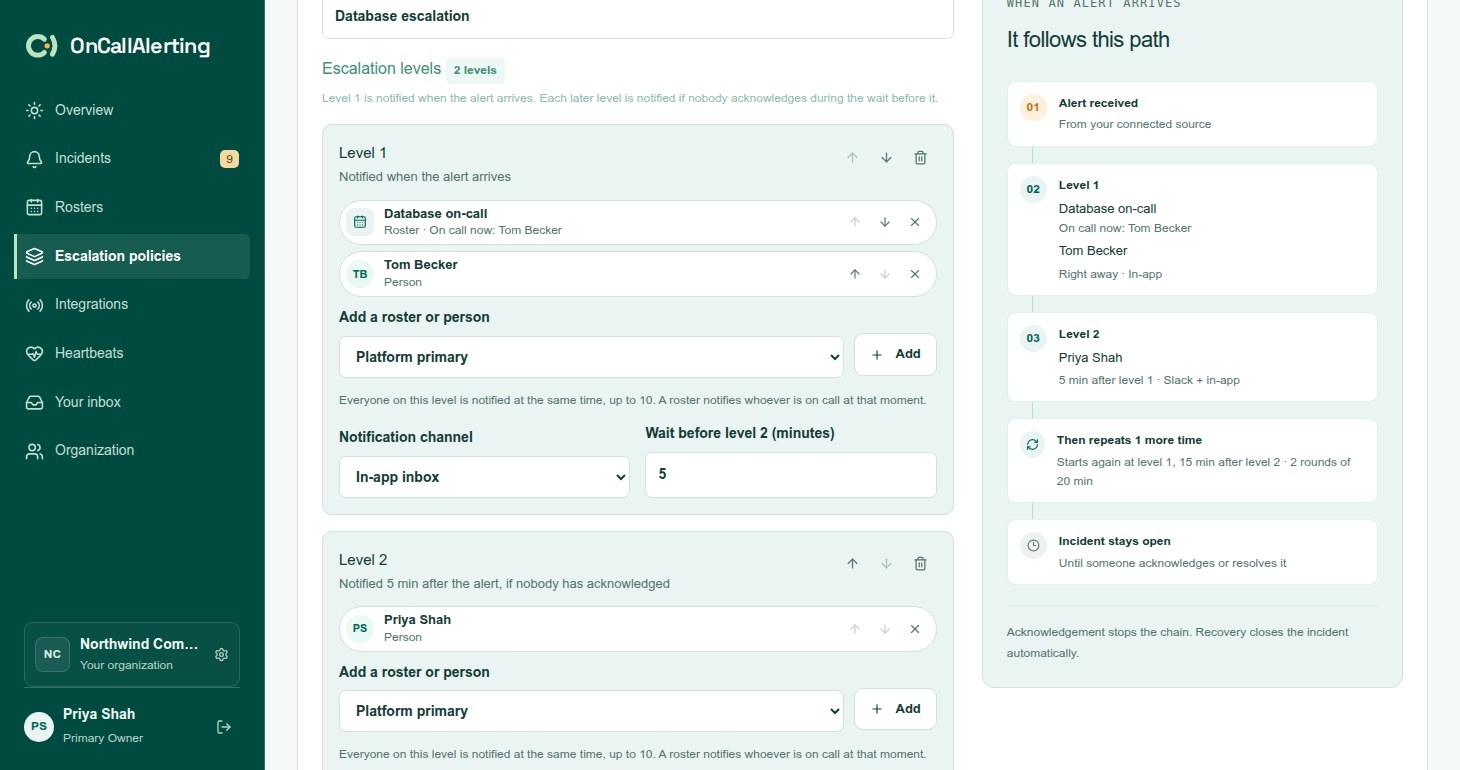
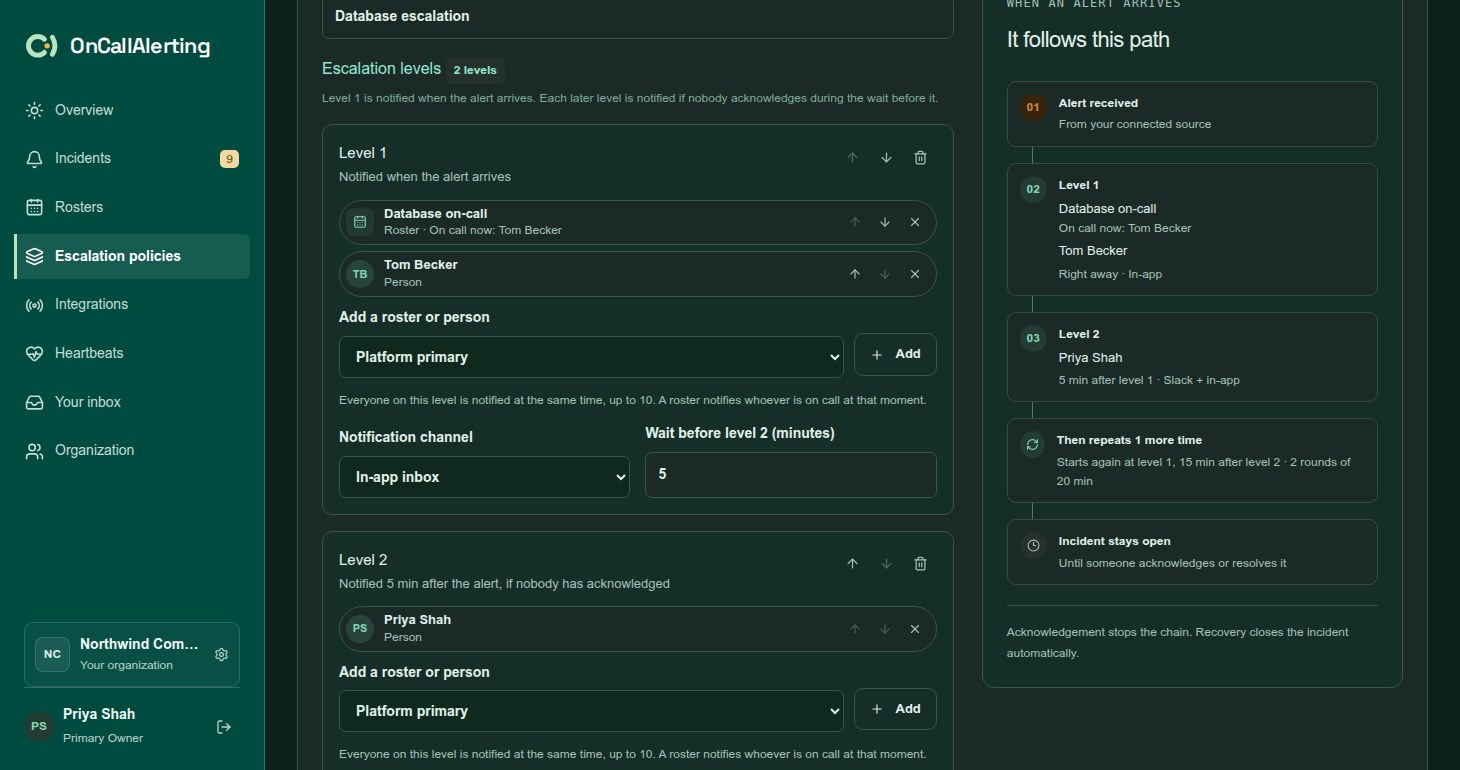
Select New policy, enter a Policy name, and build the levels. A policy has 1-10 levels.
Each level has:
| Field | What it does |
|---|---|
| Targets | 1-10 rosters and people, added with Add a roster or person. Everyone on the level is notified at the same time. A roster notifies whoever is on call at that moment. |
| Notification channel | In-app inbox, or Slack + in-app. Slack is available once it is connected under Organization. |
| Wait | 1-1440 minutes. How long to wait after this level before the next one. |
- Level 1 is notified when the alert arrives.
- Each later level is notified if nobody acknowledges during the wait before it.
- The last level's wait is used only when the policy repeats or resolves the incident.
Use Add escalation level to add a level, the arrows to reorder levels, and the bin to remove one.
If nobody acknowledges
Section titled "If nobody acknowledges"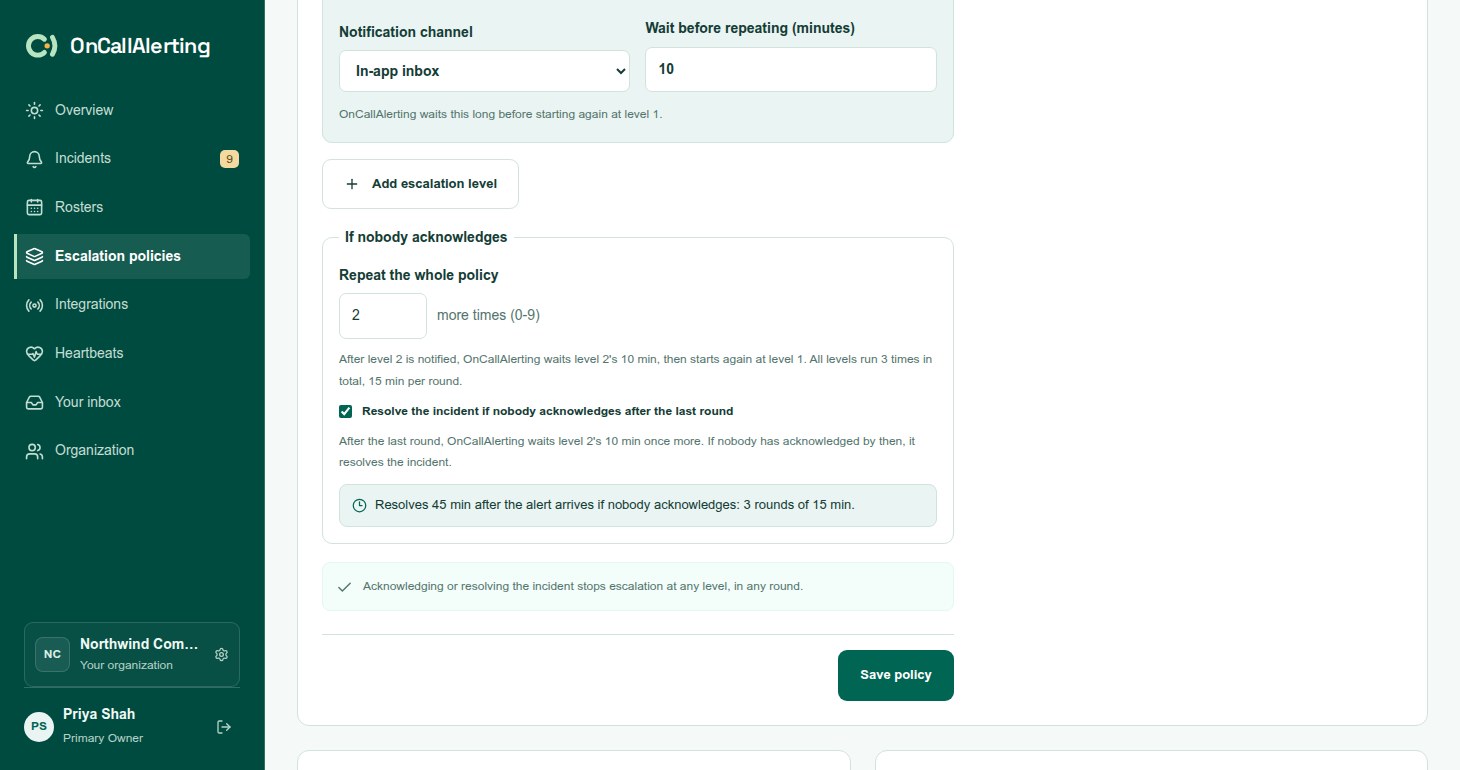
After the last level, one of three things happens.
The incident stays open. This is the default. The timeline records "All levels notified; incident remains open until acknowledged or resolved." Nobody else is notified.
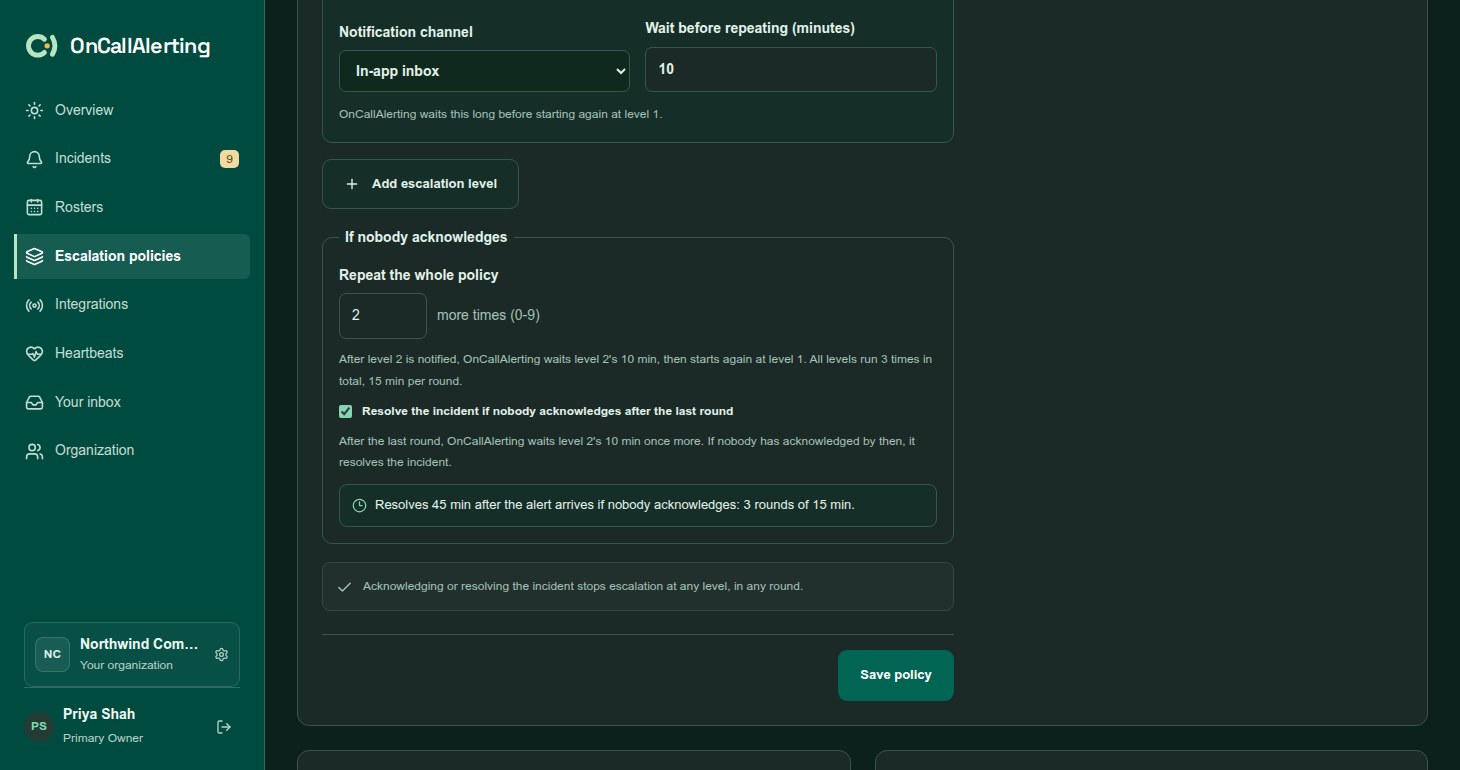
The policy repeats. Set Repeat the whole policy to 1-9 more times. After the last level, OnCallAlerting waits the last level's wait, then starts again at level 1. Every level runs again in each round.
The incident resolves. Tick Resolve the incident if nobody acknowledges after the last round. After the last round, OnCallAlerting waits the last level's wait once more. If nobody has acknowledged by then, it resolves the incident. The timeline records "Resolved: not acknowledged after 3 rounds of escalation", and the outbound webhook event has the reason escalation_exhausted.
One round lasts the sum of every level's wait. With resolve on, the incident resolves after that many minutes times the number of rounds. The editor shows the total, for example "Resolves 50 min after the alert arrives if nobody acknowledges: 2 rounds of 25 min." Follow-the-sun rosters can add their own wait when they notify an awake shift first; the editor says how much.
Acknowledging or resolving the incident stops escalation at any level, in any round.
Preview
Section titled "Preview"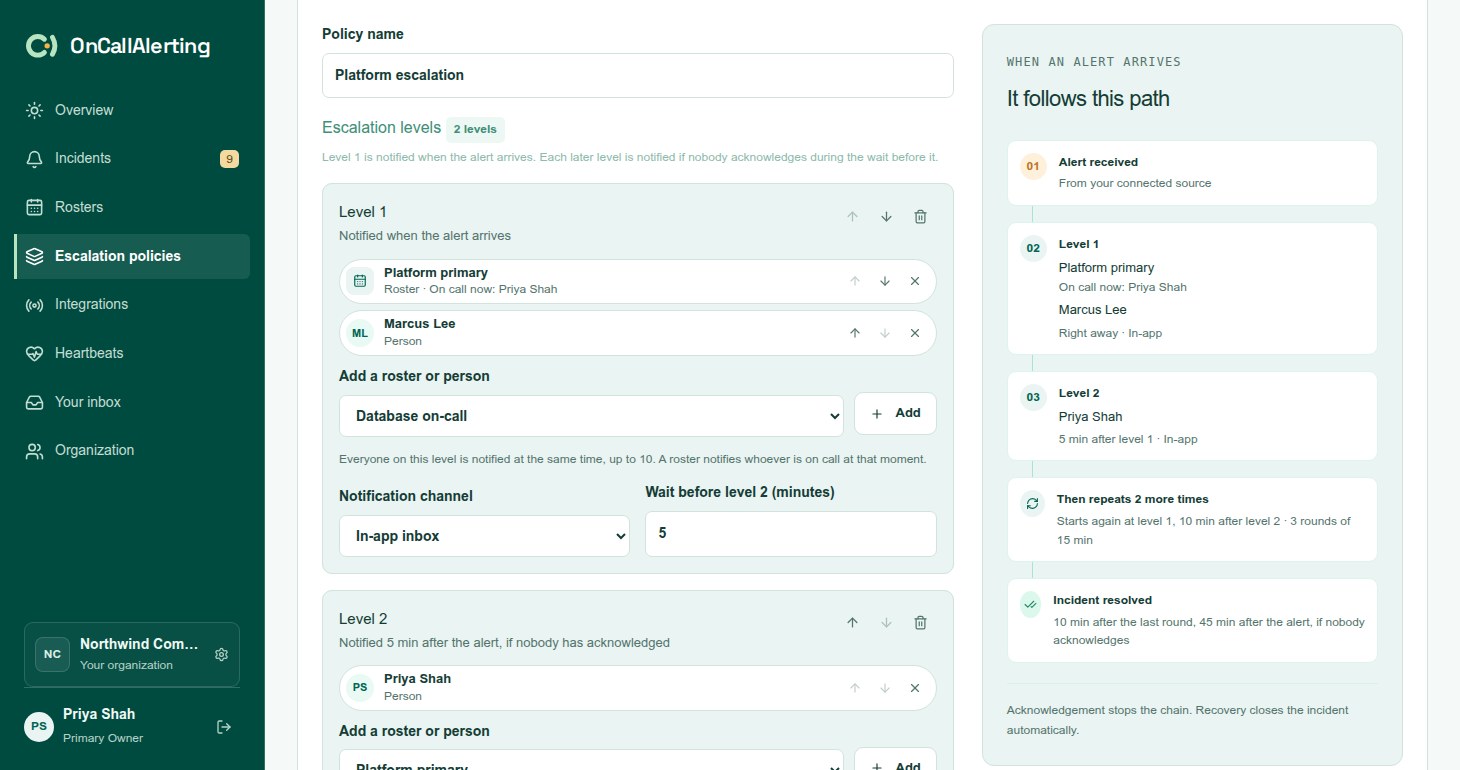
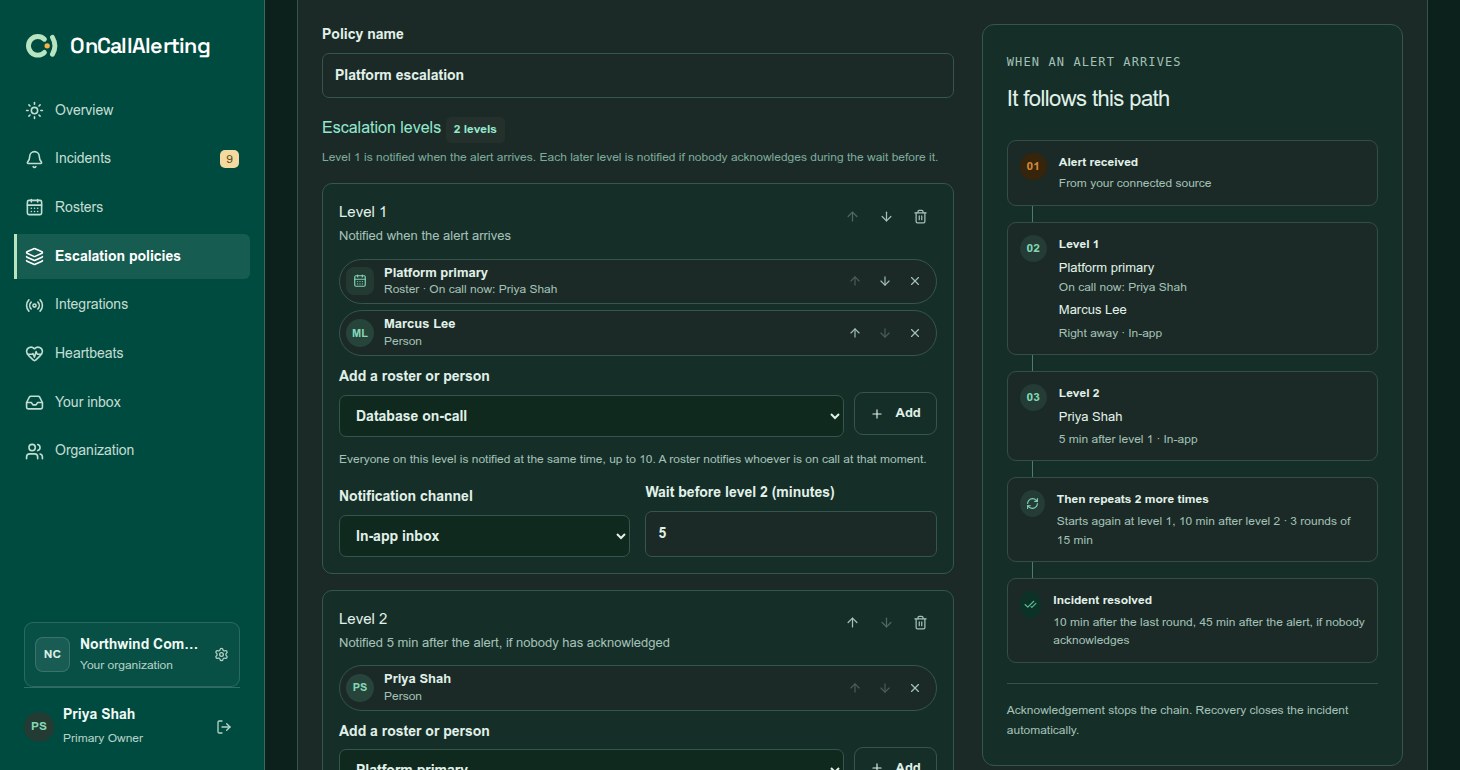
Beside the editor, It follows this path shows the policy as you edit it: the alert, each level with its targets and who is on call now, the timing and channel, any repeat, and whether the incident is resolved or stays open.
Worked example
Section titled "Worked example"A policy with two levels, repeated once, that resolves after the last round:
| Level | Targets | Channel | Wait |
|---|---|---|---|
| 1 | Platform roster | Slack + in-app | 10 minutes |
| 2 | Platform roster and a team lead | Slack + in-app | 15 minutes |
If nobody acknowledges:
| Minute | What happens |
|---|---|
| 0 | Level 1: whoever is on call on the Platform roster |
| 10 | Level 2: the team lead. The on-call person was already notified at level 1 in this round, but level 2 is a new level, so they are notified again. |
| 25 | Round 2, level 1 |
| 35 | Round 2, level 2 |
| 50 | The incident is resolved |
Coverage gaps
Section titled "Coverage gaps"When a level runs and its targets name nobody, the primary owner of the organization is notified instead. This happens when every roster on the level has nobody on call, for example before a rotation starts or outside every layer's restrictions. The timeline records "Coverage gap: notified the primary organization owner".
A level with a roster that has nobody on call and a named person notifies the person. That is not a gap.
How changes apply
Section titled "How changes apply"- When an incident opens, it takes a copy of the policy's levels, repeat and resolve settings. Editing a policy changes incidents that open after you save. Incidents already open keep the levels they started with, including when they are reassigned or a snooze ends.
- Who a roster notifies is worked out when each level runs, so rotations and substitutions always apply.
- A policy that alert sources use cannot be deleted: "Disconnect the alert sources using this policy first". The same applies to heartbeats: "Remove the heartbeats using this policy first".