

Native webhooks
A webhook source gives you a secret URL. Your tool POSTs JSON to it. OnCallAlerting reads the payload, maps it to one or more alerts, and opens, updates or resolves incidents.
The webhook URL
Section titled "The webhook URL"The URL is shown once, when you connect the source or rotate its secret. It has this shape:
https://oncallalerting.com/api/hooks/SOURCE_ID/SECRET-
Send
POSTwith a JSON body. No other headers or authentication are needed; the secret in the path is the credential. -
Success is
202with the incidents the request touched:{"accepted": true, "incident_ids": ["9a0c..."]} -
A payload OnCallAlerting cannot read gets
400with anerrormessage, such astitle is required (max 300 characters); description max 10000. -
A wrong URL gets
404. Too many requests get429. -
Bodies are limited to 1 MB.
The examples below use YOUR_WEBHOOK_URL for your source's URL.
Status and severity
Section titled "Status and severity"Every native payload ends up as a status and a severity. Values are not case-sensitive.
| Status values | Become |
|---|---|
resolved, resolve, ok, recovered, recovery, closed | A recovery. It resolves the open incident with the same key. |
open, triggered, trigger, firing, alert, alarm, created, regression, renotify, re-triggered, retriggered, warn, no data, or empty | An alert. It opens an incident or adds an occurrence. |
| Anything else | Rejected with 400, for example unsupported alert status "assigned" |
| Severity values | Become |
|---|---|
critical, error, danger, emergency, alert | critical |
warning, warn | warning |
| Anything else, or empty | info |
Native webhooks cannot acknowledge an incident. Use a PagerDuty-compatible or Opsgenie-compatible source for that.
Every alert needs a title of up to 300 characters and a deduplication key of up to 500 characters. Descriptions are up to 10000 characters.
Prometheus Alertmanager
Section titled "Prometheus Alertmanager"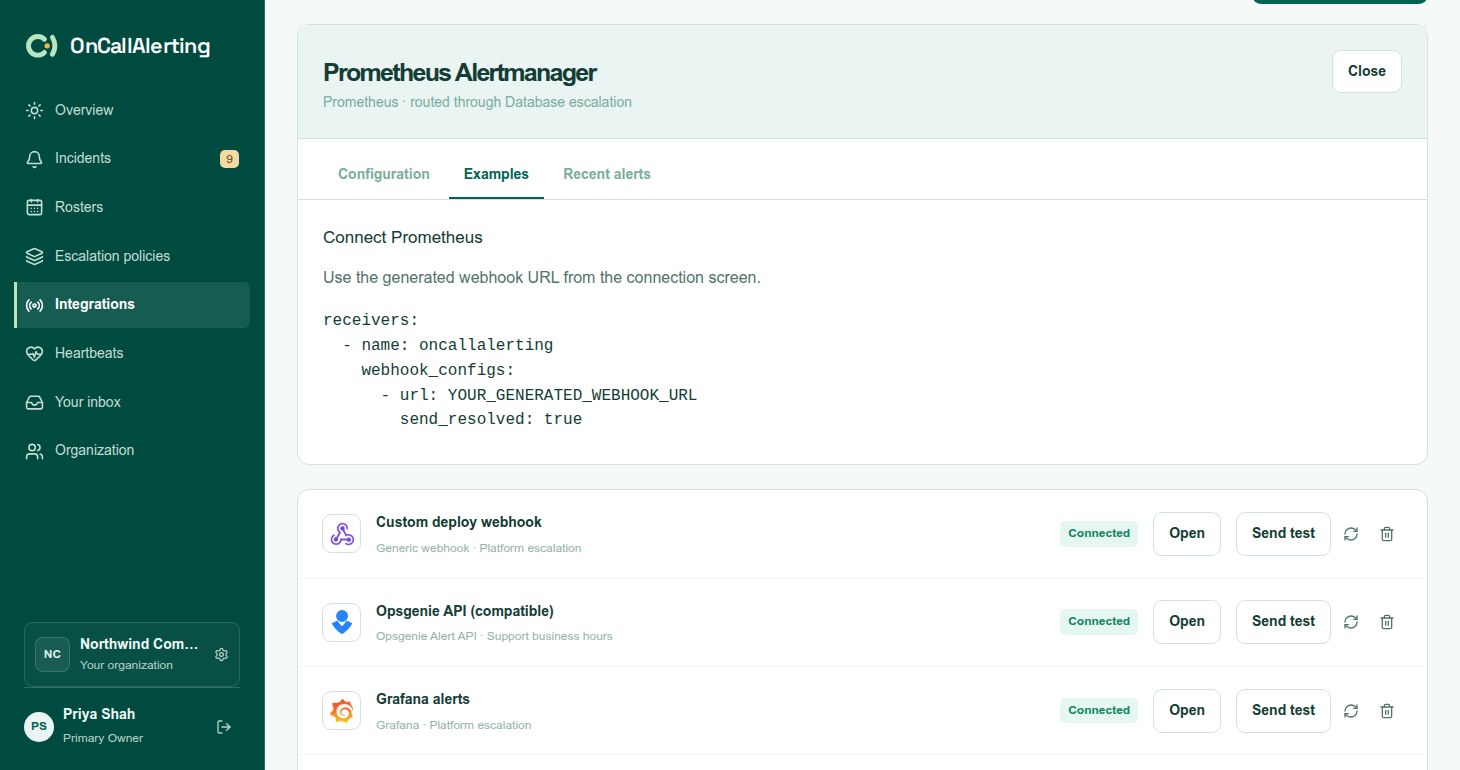
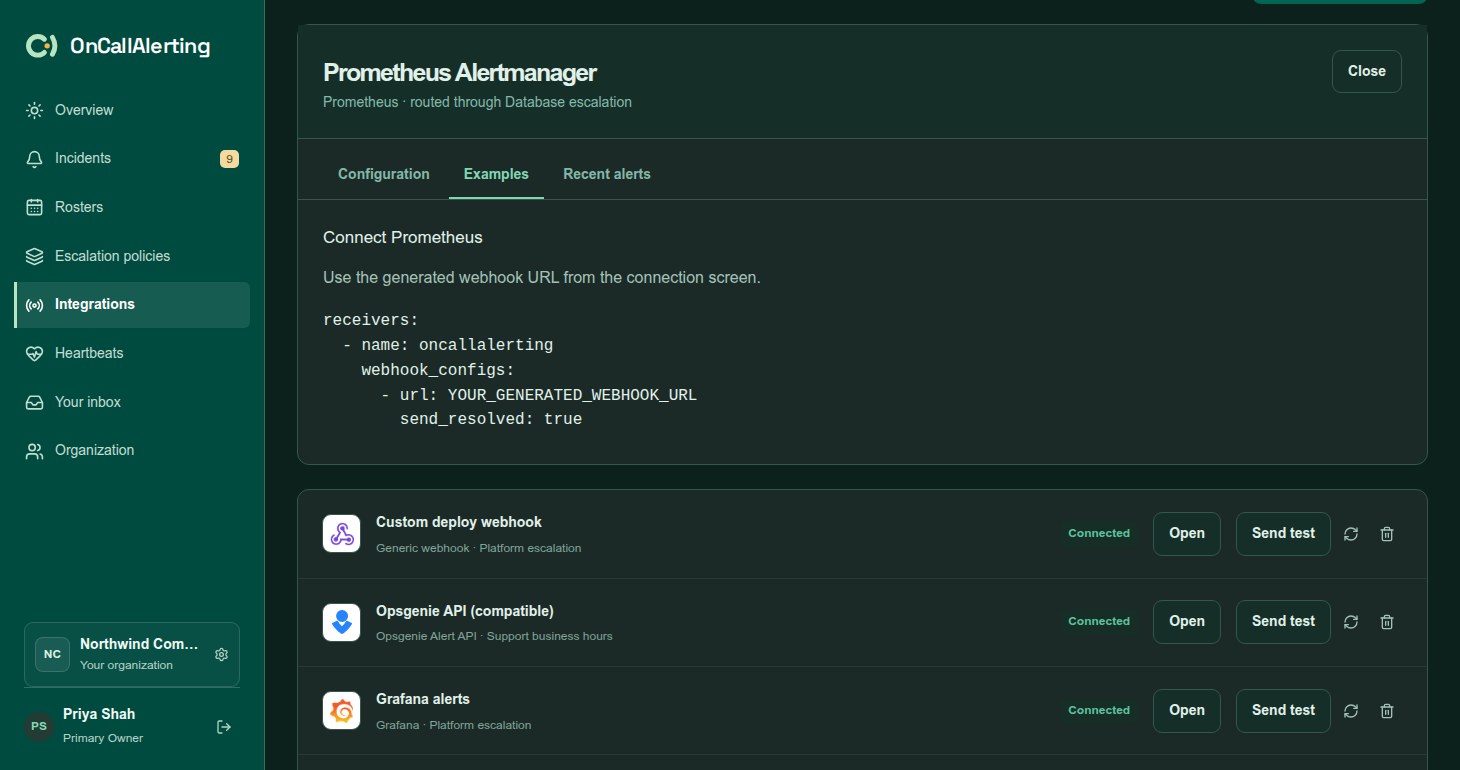
Add OnCallAlerting as a webhook receiver and route alerts to it. Keep send_resolved: true so recoveries resolve incidents.
receivers:  - name: oncallalerting    webhook_configs:      - url: YOUR_WEBHOOK_URL        send_resolved: true
# Add receiver: oncallalerting to your Alertmanager route.
One webhook can carry 1-100 alerts. Each becomes its own alert in OnCallAlerting:
| Incident field | From |
|---|---|
| Title | annotations.summary, else labels.alertname |
| Description | annotations.description |
| Deduplication key | fingerprint, else labels.alertname and labels.instance |
| Status | The alert's status, else the payload's status |
| Severity | labels.severity |
To keep an existing PagerDuty or Opsgenie receiver instead, see the compatible sources.
Grafana
Section titled "Grafana"Create a contact point of type webhook with the source URL and method POST, and attach it to a notification policy. Grafana's webhook payload has the same alerts array as Alertmanager, and maps the same way.
Datadog
Section titled "Datadog"Create a webhook in the Datadog webhooks integration with the source URL, and a payload that uses Datadog's template variables:
{ "name": "OnCallAlerting", "url": "YOUR_WEBHOOK_URL", "payload": { "title": "{{event_title}}", "text": "{{event_msg}}", "aggregation_key": "{{alert_id}}", "alert_transition": "{{alert_transition}}", "alert_type": "{{alert_type}}" }}| Incident field | From |
|---|---|
| Title | title, else alert_title |
| Description | text, else body |
| Deduplication key | aggregation_key, else id |
| Status | alert_transition, else status. Recovered resolves; Triggered, Re-Triggered, Warn and No Data open. |
| Severity | alert_type, else severity |
AWS CloudWatch
Section titled "AWS CloudWatch"Send CloudWatch alarm state changes through an EventBridge API destination whose endpoint is the source URL. OnCallAlerting reads either an EventBridge "CloudWatch Alarm State Change" event or a direct alarm JSON body.
| Incident field | From |
|---|---|
| Title | AlarmName, else detail.alarmName |
| Description | NewStateReason, else detail.state.reason |
| Deduplication key | AlarmArn, else detail.alarmName, else AlarmName |
| Status | NewStateValue, else detail.state.value. ALARM opens; OK resolves. |
| Severity | Always critical |
Sentry
Section titled "Sentry"Add the source URL to Sentry's webhooks integration for issue alerts.
| Incident field | From |
|---|---|
| Title | data.issue.title, else data.event.title, else title |
| Description | data.issue.culprit, else data.event.message |
| Deduplication key | data.issue.id, else data.event.event_id, else dedup_key |
| Status | action, else status. created opens; resolved resolves. |
| Severity | data.issue.level, else data.event.level |
Other Sentry actions, such as assigned or archived, are not a status OnCallAlerting accepts and get 400.
Generic JSON webhook
Section titled "Generic JSON webhook"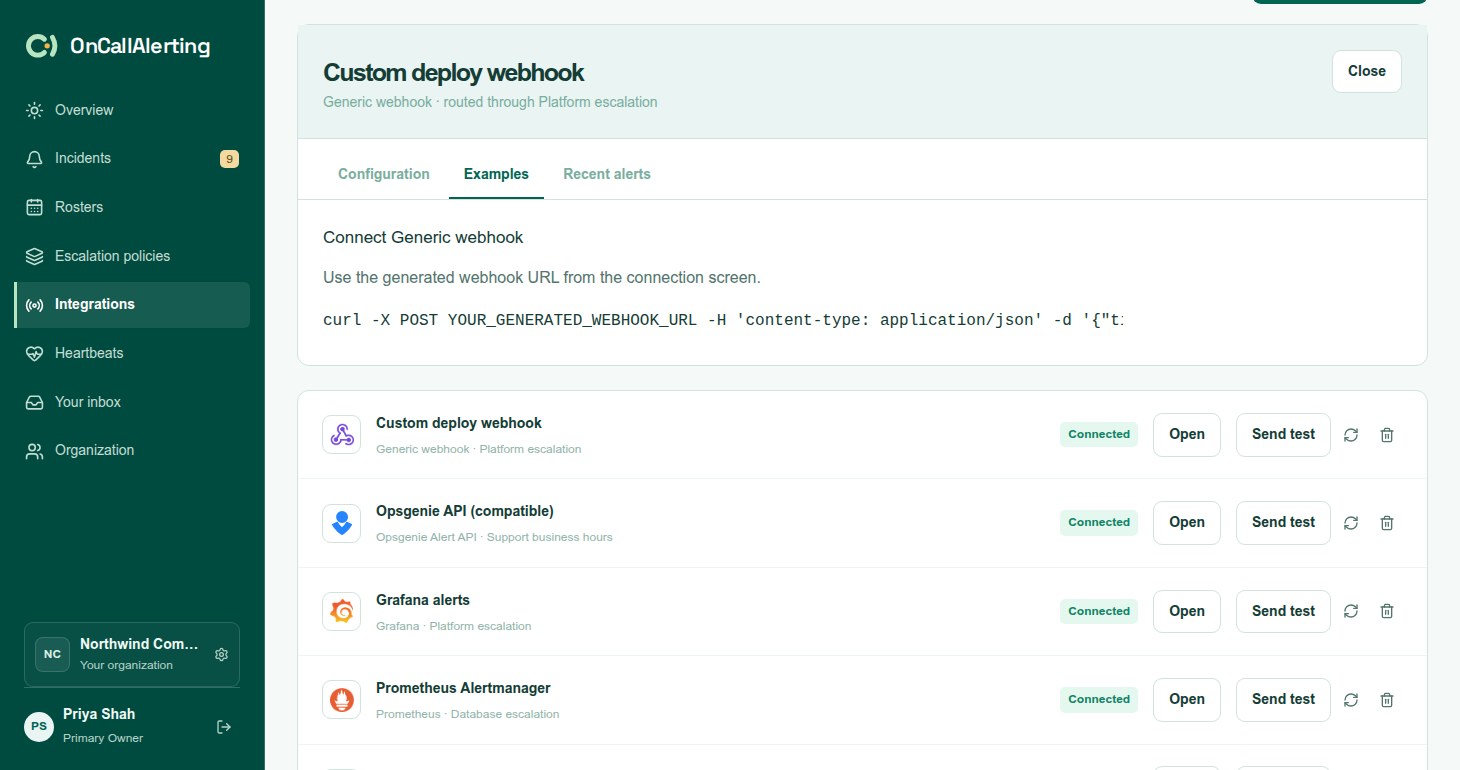
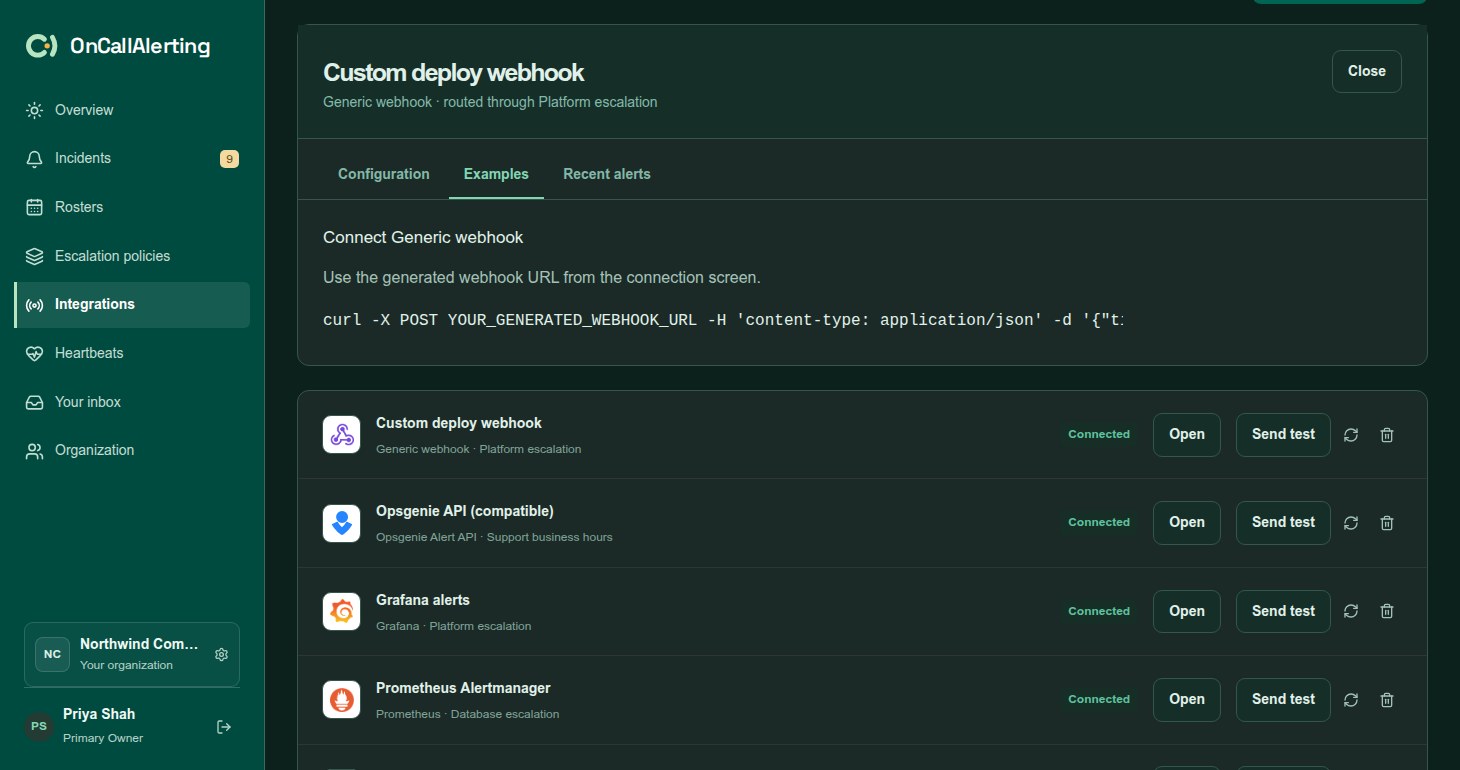
Use the generic format for your own scripts and for every tool marked "Generic JSON webhook" on Add integration. Send one alert per request:
| Field | Required | Notes |
|---|---|---|
title | Yes | Up to 300 characters |
description | No | Up to 10000 characters |
dedup_key | Yes | Up to 500 characters. Use the same key for the recovery. |
severity | No | See the severity table. Defaults to info. |
status | No | See the status table. Defaults to an alert. |
Other fields are ignored.
curl -X POST YOUR_WEBHOOK_URL \ -H 'content-type: application/json' \ -d '{"title":"API error rate is high","description":"Production API needs attention","dedup_key":"production-api-errors","severity":"critical","status":"open"}'When the problem clears, send the same dedup_key with "status":"resolved".